Managed IT Onboarding: What Atlanta Businesses Can Expect
Managed IT onboarding is the process of preparing your business for ongoing technology support, monitoring, maintenance, and IT management. It usually begins with an assessment of your current systems and ends with a clear support structure that your employees can rely on.
For an Atlanta business, switching IT providers can raise important questions. Will employees lose access to their files? Who will manage Microsoft 365? What happens to existing passwords, backups, and network equipment? And how quickly can the new provider begin supporting your team?
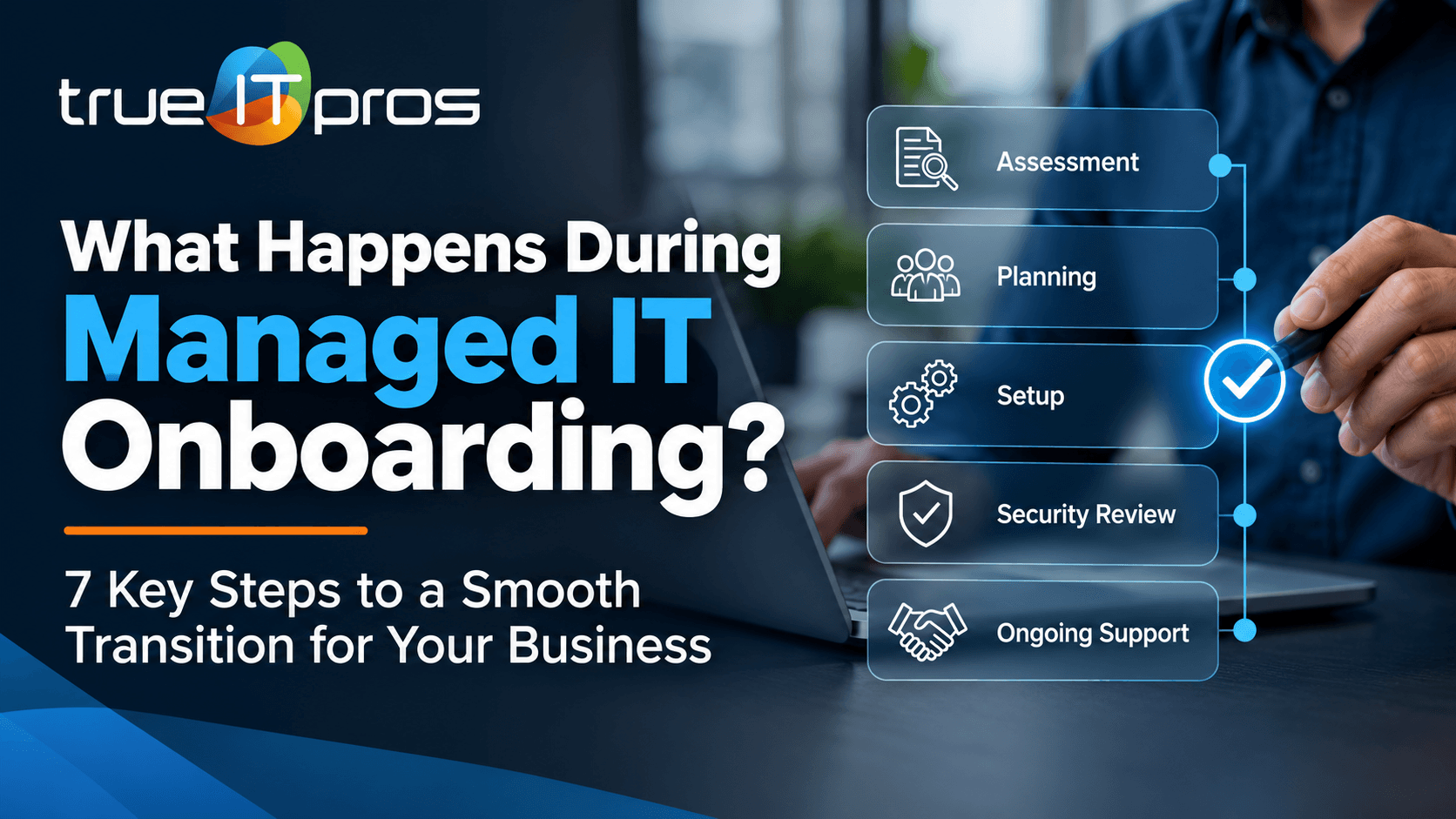
A structured onboarding process helps address these concerns before technical changes begin. At trueITpros, onboarding follows seven stages designed to understand your environment, align expectations, identify risks, and establish ongoing support.
What Happens During Managed IT Onboarding?
Managed IT onboarding typically includes an IT assessment, service plan approval, kickoff meeting, technical setup, risk analysis, implementation, and transition into ongoing support. The goal is to give the new IT provider a clear understanding of your systems and establish reliable support without unnecessary business disruption.
The exact activities depend on your company size, infrastructure, applications, and existing IT setup. A small law firm with one office may have different needs from a construction company with several locations and employees working remotely.
The following seven stages reflect the onboarding framework used by trueITpros for its Managed IT Services.
Step 1: Assess Your Current IT Environment
The first stage is an assessment of your existing technology environment. Your IT provider needs to understand what your business uses, what works well, and where employees experience problems.
This initial review may cover:
- Computers and devices: Employee laptops, desktops, workstations, and shared equipment.
- Networks: Internet connections, firewalls, routers, switches, and wireless networks.
- Cloud services: Microsoft 365, Google Workspace, cloud storage, and collaboration tools.
- Business applications: Accounting, legal practice management, customer relationship management, and industry-specific software.
- Data protection: Existing backup systems, recovery processes, and security tools.
- Support concerns: Recurring errors, slow systems, access problems, and unresolved IT requests.
For example, an Atlanta accounting firm may depend on QuickBooks, Microsoft 365, secure file sharing, and specialized tax software. Understanding these dependencies helps the provider plan technical changes around the firm’s daily work.
This step also helps identify devices or services that no one is actively managing. Those gaps can create support problems later if they are not documented early.
Step 2: Review and Approve the IT Support Plan
After the assessment, the business and its IT provider review the proposed support structure. This stage confirms what services are included, who handles each responsibility, and how employees will receive help.
Important details to confirm include:
- Which employees, devices, and locations are covered.
- Which applications and infrastructure systems are supported.
- Available support hours and contact methods.
- How urgent issues are prioritized and escalated.
- Which tasks require separate approval or additional services.
- Who will make decisions about technology changes and expenses.
At trueITpros, businesses can choose between standard Managed IT support during business hours, from 6 AM to 6 PM Eastern Time, Monday through Friday, and a Managed IT 24/7 option for organizations that need support outside those hours.
Both plans offer monthly billing without annual contracts and a 10-minute helpdesk response service-level agreement. A response commitment refers to the initial helpdesk response, not a guarantee that every technical issue will be resolved within 10 minutes.
The right coverage should match how your business operates. A law office that closes in the evening has different support needs from a transportation company that runs overnight operations.
Step 3: Hold a Pre-Onboarding Meeting
The pre-onboarding meeting aligns your team and IT provider before technical work begins. It helps confirm priorities, communication methods, access requirements, and responsibilities.
Your office manager, operations leader, or designated IT contact should be involved in this conversation.
Useful questions include:
- Who will coordinate the transition internally?
- Does the previous IT provider need to transfer documentation or administrative access?
- Which systems cannot be interrupted during business hours?
- Are any employees working remotely or traveling?
- Are there upcoming deadlines, office moves, or major business events?
- Who should approve changes to critical systems?
Consider an Atlanta law firm preparing for a major filing deadline. A coordinated onboarding plan should account for the systems attorneys need during that period, such as document management, email, and secure remote access.
The purpose is not to delay improvements. It is to sequence changes so that essential work can continue while support responsibilities are transferred.
Step 4: Complete Technical Onboarding
Technical onboarding establishes the systems and access needed for the IT provider to support your environment. The exact setup depends on the approved service plan and the technology already in place.
Typical technical onboarding activities can include:
- Endpoint enrollment: Preparing company computers for device management, maintenance, and support.
- Monitoring setup: Configuring approved tools that help identify infrastructure or device issues.
- Cloud administration: Establishing appropriate administrative access to Microsoft 365 or Google Workspace.
- Network documentation: Recording important network equipment, configurations, and support dependencies.
- Security tool review: Checking existing antivirus, malware protection, DNS protection, and update management.
- Helpdesk preparation: Setting up employee support channels and documenting how requests will be handled.
Not every technical change should happen immediately. A business may need to coordinate software updates, security tool replacements, or equipment configuration changes outside its busiest hours.
Administrative credentials should also be transferred through secure methods rather than ordinary email. If the business is leaving another IT provider, access changes should be coordinated so that essential systems remain available throughout the handoff.
Step 5: Analyze Risks and Recommend Improvements
Once the IT environment is better documented, the provider can identify technical weaknesses and improvement opportunities. This stage helps separate immediate concerns from changes that can be planned over time.
Common findings may include:
- Outdated operating systems or software.
- Devices that are not receiving regular security updates.
- Weak or inconsistent account access controls.
- Unverified backup and recovery processes.
- Network equipment with limited support or documentation.
- Unused accounts that still have access to company systems.
- Reliance on a single device, server, or internet connection for critical work.
Cybersecurity should be considered as part of this review. For example, a financial services firm may need closer attention to account permissions, email protection, and access to confidential client documents.
The NIST Small Business Cybersecurity Corner provides practical guidance on identifying important business assets, assessing security risks, and developing stronger protective practices.
A useful onboarding assessment should produce clear priorities rather than an unexplained list of technical problems. Business owners need to understand what should be addressed first, why it matters, and which actions require their approval.
Step 6: Implement the Approved Support Structure
Implementation turns the approved IT support plan into daily operating procedures. This is where support tools, technical settings, employee instructions, and assigned responsibilities come together.
Depending on the plan, implementation may involve:
- Activating device monitoring and maintenance routines.
- Configuring approved software update and patching procedures.
- Establishing employee helpdesk access.
- Organizing escalation procedures for urgent incidents.
- Coordinating support responsibilities with software and internet vendors.
- Documenting important systems, contacts, and support procedures.
- Scheduling approved security and infrastructure improvements.
Employees should know how to request support before the transition is considered complete. A clear helpdesk process helps prevent problems from getting lost in personal emails, informal messages, or conversations with the wrong contact.
The provider and business should also confirm that critical systems remain accessible after approved changes. This can include testing email, shared files, business applications, and remote access where relevant.
Step 7: Transition Into Ongoing IT Support
The final stage moves the business from onboarding into regular IT support and management. At this point, the focus shifts from learning the environment to maintaining it, responding to users, and planning improvements.
Ongoing Managed IT Services from trueITpros can include employee helpdesk support, endpoint management, software maintenance, cloud administration, network support, infrastructure monitoring, and technology guidance based on the selected plan.
A business may also benefit from ongoing communication with a Customer Success Manager or strategic guidance through virtual CIO and CTO services, where applicable.
For business owners, the most important change is greater clarity. Employees know where to ask for help. Management has a partner to discuss technology decisions. And IT maintenance can become a planned activity instead of something addressed only after a failure.
How Should Your Business Prepare for IT Onboarding?
Businesses can make IT onboarding more efficient by organizing basic information before the first technical meeting. You do not need to understand every network setting or software configuration. You simply need to identify the people, systems, and services your business depends on.
Your Managed IT Onboarding Checklist
- Identify a primary contact: Choose the person who can coordinate meetings, answer questions, and approve routine decisions.
- Prepare an employee list: Include staff members, work locations, and the devices they use.
- List important applications: Note essential software, cloud platforms, and services needed for daily operations.
- Collect vendor contacts: Include internet providers, phone vendors, software companies, and your current IT provider.
- Identify existing administrators: Determine who controls company domains, cloud accounts, network equipment, and other critical services. Arrange secure access transfer when needed.
- Share recurring problems: Explain which technical issues interrupt work most often.
- Flag sensitive deadlines: Identify times when major system changes could interrupt critical work.
- Discuss security concerns: Mention any known issues with backups, account access, malware protection, or data recovery.
Missing documentation does not mean onboarding cannot begin. However, identifying missing information early makes it easier to decide what must be recovered, verified, or rebuilt.
Will Managed IT Onboarding Disrupt Daily Business Operations?
Managed IT onboarding does not automatically require shutting down your office or replacing your existing technology. Much of the discovery, documentation, and planning can take place while employees continue working. However, some technical changes may require scheduled interruptions.
Examples include restarting devices after updates, changing network settings, replacing security tools, or transferring administrative control of critical systems.
To reduce avoidable disruption, your onboarding plan should address three areas:
- Scheduling: Plan changes around business hours, employee availability, and critical deadlines.
- Communication: Tell employees which systems may be affected and how to report problems.
- Validation: Confirm that essential applications, network connections, and user access still work after each important change.
For an Atlanta real estate firm, this might mean checking shared property documents, email access, and mobile connectivity before a busy day of closings. For a veterinary practice, it could mean coordinating changes around appointment schedules and access to practice management software.
How Long Does Managed IT Onboarding Take?
There is no single onboarding timeline that fits every business. The schedule depends on the number of users, devices, offices, applications, security requirements, and the quality of existing IT documentation.
Several factors can affect the process:
- The number of employees and devices being onboarded.
- Whether the business has multiple offices or remote workers.
- How easily existing administrative access can be transferred.
- Whether unsupported software or equipment must be addressed.
- The availability of previous IT providers and outside vendors.
- The number of approved technical changes that require scheduling.
A useful approach is to separate the onboarding schedule from longer-term technology improvements. Not every outdated device or infrastructure issue must be corrected before ongoing helpdesk support can begin.
Ask your provider for a plan that explains which milestones must be completed before the transition and which recommendations can be addressed afterward.
What If You Are Switching From Another IT Provider?
Switching Managed IT providers requires a coordinated transfer of information, administrative access, and support responsibilities. One of the biggest transition risks is losing control of an important system because ownership or documentation was never clarified.
Before ending the previous relationship, confirm who manages:
- Microsoft 365 or Google Workspace administrative accounts.
- Company domain registration and DNS settings.
- Firewalls, network equipment, and wireless systems.
- Backup systems and recovery credentials.
- Servers, cloud environments, and business applications.
- Security software and device management tools.
- Phone services, internet connections, and related vendor accounts.
A new provider should help determine which access is needed and how to coordinate the handoff. Former provider access should be reviewed and removed when appropriate, after the new administrative setup has been verified and the transition is authorized.
This protects business continuity while reducing the chance that former vendors retain unnecessary access.
How Do You Know When IT Onboarding Is Complete?
Managed IT onboarding is ready to close when the agreed technical foundation is established, support responsibilities are clear, and the business can use the new support process. This does not mean every technology issue has been resolved.
A practical completion review should confirm:
- Agreed users and devices are included in the support scope.
- Required administrative access has been established and verified.
- Approved monitoring and support tools are functioning.
- Employees know how to contact the helpdesk.
- Critical business systems have been checked after relevant changes.
- Known outstanding risks and improvements have assigned next steps.
- Management knows who to contact for technical and strategic questions.
Any incomplete items should be documented, assigned, and prioritized. This helps prevent unresolved onboarding tasks from becoming future support problems.
What Should You Expect After the First Month of Managed IT Support?
After onboarding, your business should begin seeing how the ongoing support model works in practice. The focus moves toward routine maintenance, employee assistance, issue tracking, and planning future improvements.
Useful areas to review with your provider include:
- Recurring employee support requests.
- Outstanding device and software issues.
- Unresolved security or backup concerns.
- Infrastructure maintenance priorities.
- Technology improvements that require budgeting or management approval.
For example, an Atlanta construction company may discover that its office computers are well supported, but remote employees frequently experience problems accessing project files. That pattern can help guide future decisions about connectivity, cloud storage, or remote access.
A proactive IT relationship should make it easier to recognize these patterns and decide what to improve instead of repeatedly fixing the same symptoms.
Frequently Asked Questions About Managed IT Onboarding
Does managed IT onboarding require replacing all our computers?
No. Managed IT onboarding usually begins by reviewing and documenting your existing equipment. Devices that remain suitable for business use may continue operating. Unsupported or unreliable equipment can be identified for future replacement.
Can employees continue working during managed IT onboarding?
In many cases, yes. Assessments, documentation, and some setup activities can happen while employees work. Technical changes that affect access or connectivity should be planned with the business to limit unnecessary interruptions.
What information does a managed IT provider need from us?
The provider typically needs information about employees, devices, locations, business applications, existing IT vendors, and important systems. Administrative access may also be required, but credentials should be shared through approved secure methods.
Can we switch IT providers without losing our company data?
A properly coordinated transition should aim to preserve company data and access. Existing backups, administrative ownership, software dependencies, and any planned migrations should be reviewed before changes are made. No transition is entirely risk-free.
Does trueITpros offer onboarding for small Atlanta businesses?
Yes. trueITpros provides Managed IT Services for small and midsize businesses in Atlanta, Georgia. Its seven-stage onboarding framework covers assessment, support plan approval, preparation, technical onboarding, analysis, implementation, and ongoing engagement.
Start Your Managed IT Onboarding With trueITpros
Changing IT providers should not leave business owners guessing about who manages their systems, how employees receive support, or what happens to existing technology.
With a structured onboarding approach, Atlanta businesses can establish clearer support responsibilities, identify important technology risks, prepare employees for the transition, and build a practical foundation for ongoing IT management.
trueITpros supports Atlanta businesses with endpoint management, helpdesk assistance, Microsoft 365 and Google Workspace administration, managed networking, infrastructure monitoring, security-aware maintenance, and technology planning. Businesses can select the service coverage that fits their operations, with monthly billing and no annual contracts.
To learn more about how trueITpros can help your business with managed IT onboarding, contact us.
To learn more about how trueITpros can help your company with Managed IT Services in Atlanta, contact us at www.trueitpros.com/contact