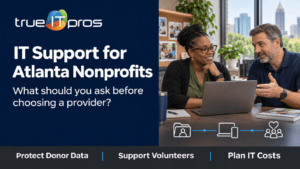
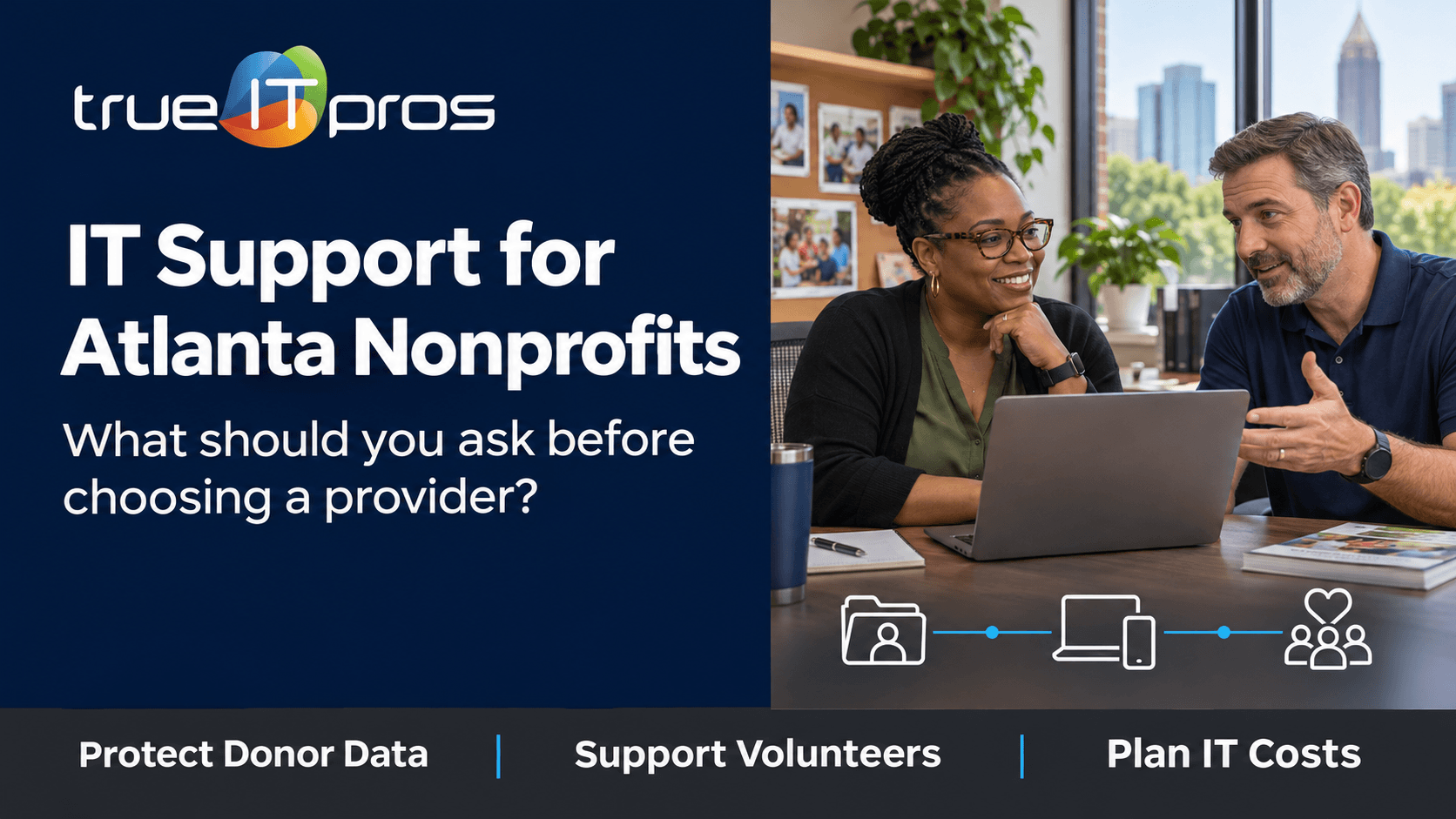
IT support for nonprofits in Atlanta should do more than repair computers. A good provider protects donor and program information, supports employees and volunteers, and keeps essential services available without creating surprise costs. The right fit starts with your mission, not a generic package.
An Atlanta food pantry may depend on a shared intake computer, a donation portal, and a small team working across locations. A youth-focused nonprofit may need secure access to participant files and reliable video meetings. Both need practical IT support, but their priorities differ.
Use the questions and checklist below to compare providers before signing an agreement.
What IT problems do Atlanta nonprofits need help solving?
Nonprofits often operate with small administrative teams, changing volunteer rosters, and several cloud platforms. A support plan should address the systems that keep programs and fundraising moving.
- Donor and fundraising systems: Reliable access to donation processors, donor databases, receipts, and event tools.
- Program delivery: Case files, schedules, registration tools, and shared documents available to authorized staff.
- Volunteer access: Limited access for temporary helpers, without granting full employee permissions.
- Hybrid work: Account and device support for fundraisers and program managers working offsite.
- Budget visibility: Clear separation between routine support, equipment, software, and one-time projects.
Start by naming the three technology failures that would most affect your mission. That list should shape the provider’s priorities.
What should nonprofits look for in an IT support provider?
Choose a provider that explains responsibilities in plain language and shows how support will work for your staff, systems, and budget. Ask for a written scope, not only a monthly price.
1. Helpdesk support for staff and volunteers
Ask how employees request help, what happens outside normal hours, and whether volunteers are covered. Response targets should be written into the agreement, with clear definitions for urgent issues.
If your Atlanta nonprofit runs a Saturday fundraiser, who supports the check-in laptops, card-reader connectivity, and donation platform? Do not assume weekend coverage is included.
2. Clear ownership of cloud accounts and data
Your organization should control its domain, administrator accounts, subscriptions, and data exports. An IT provider may manage Microsoft 365, Google Workspace, and donor software, but access should remain documented and recoverable by authorized nonprofit leaders.
Ask who approves new accounts and removes former volunteers. A shared login that nobody owns is a warning sign.
3. Security that fits the records you handle
A nonprofit may hold donor contact details, employee records, or sensitive program information. The right protections depend on what you collect and your specific obligations.
Ask about multifactor authentication, device updates, backup testing, access permissions, and phishing training. The FTC’s cybersecurity guidance recommends regular backups, updates, and multifactor authentication. It is useful guidance, not a substitute for legal advice.
4. A realistic device replacement plan
Many nonprofits cannot replace every laptop at once. Ask for a device inventory, a list of unsupported systems, and an upgrade plan based on program impact and security risk. Shared intake computers also need a clear sign-in and sign-out process.
5. Budget planning, not just emergency fixes
Compare monthly fees, optional services, hardware costs, and project charges. A practical annual plan can help leaders prepare for grant cycles and board budget reviews without promising that every expense will be predictable.
A managed IT provider should explain how monitoring, maintenance, helpdesk support, and planning fit together. Compare included work, not just package names.
How can nonprofits protect donor and participant information?
Start with access control and data hygiene. Keep a current list of who can view, export, or change donor and program records. Give volunteers only the access needed for their tasks, and remove it when their work ends.
- Require individual accounts and multifactor authentication for sensitive services.
- Avoid storing payment card information unnecessarily; use an appropriate payment processor.
- Review shared folders and spreadsheets before granting access.
- Back up critical information and test how it can be restored.
- Document who responds when an email account or device appears compromised.
The NIST Cybersecurity Framework 2.0 Small Business Quick Start resources can help smaller organizations, including nonprofits, organize security priorities. Ask your provider to turn broad guidance into actions your team can maintain.
Should a nonprofit choose managed IT or break-fix support?
Break-fix support responds to problems after they are reported. Managed IT adds agreed ongoing work, such as monitoring, updates, device administration, and planning. The right model depends on the systems you use and how much disruption you can tolerate.
A nonprofit with a few devices may need limited outside support. An organization with several sites, frequent volunteer turnover, and sensitive records may benefit from a more structured arrangement.
The best nonprofit IT plan protects mission-critical work, makes responsibilities clear, and fits the organization’s resources.
What questions should you ask before hiring an IT provider?
Ask every prospective provider the same questions. Written answers help you compare proposals and explain the decision to your board.
- Who supports us? How do staff and volunteers request help, and who owns escalations?
- What is included? Are updates, cloud administration, onsite visits, and vendor coordination covered?
- What happens after hours? Is support for weekend events available, and at what cost?
- How is access managed? Who approves new users and removes departed volunteers?
- How do we recover? Which systems are backed up, and who tests restores?
- How are costs approved? Which projects and equipment purchases need separate approval?
- How will you start? Will you receive an inventory, risk priorities, and an onboarding plan?
What are warning signs in a nonprofit IT proposal?
Be cautious if a proposal lists tools but not responsibilities. Other warning signs include vague support hours, no volunteer offboarding process, unclear backup ownership, and no distinction between recurring fees and project costs.
Question any promise that technology alone makes an organization fully secure or compliant. Cybersecurity involves controls, staff practices, vendor coordination, and response planning. No single product removes every risk.
What should the first 90 days with an MSP include?
The first months should create clarity and reduce avoidable problems. These phases are planning examples, not fixed deadlines for every organization.
First 30 days: inventory and access
Identify users, devices, cloud accounts, vendors, shared workstations, backups, and critical event dates. Confirm nonprofit ownership of core accounts and introduce the new helpdesk process.
Days 31 to 60: stabilize priority systems
Address missing updates, weak account access, unreliable backups, and recurring support issues. Review volunteer onboarding. Avoid disruptive changes during major programs or fundraising events.
Days 61 to 90: plan the next budget cycle
Review ticket trends, software renewals, hardware priorities, and unresolved risks. Give leadership a short plan with owners, estimated costs, and decisions that need approval.
How does trueITpros support Atlanta nonprofits?
trueITpros helps Atlanta organizations with user support, devices, networks, cloud administration, and technology planning. A nonprofit exploring Managed IT Services can discuss which systems support its mission and which tasks it wants an outside team to manage.
The conversation should begin with your donor platform, program applications, volunteer access, busy periods, and current IT frustrations. That creates a clearer support scope.
Frequently asked questions about nonprofit IT support
Do small nonprofits need an IT provider?
Not every nonprofit needs full managed service. Outside help becomes useful when staff cannot reliably maintain devices, accounts, backups, and security while running programs.
Can an IT provider support volunteers?
Yes, if the agreement includes volunteer support. Ask how temporary accounts are created, limited, supported, and removed.
What should nonprofit IT support cost?
Pricing depends on users, devices, sites, hours, and security needs. Request an itemized proposal separating recurring fees from licenses, hardware, and projects.
Should nonprofits back up cloud-based donor data?
Review the vendor’s recovery tools and whether separate exports or backups are appropriate. Cloud access does not answer every recovery question.
Can managed IT help with nonprofit cybersecurity?
It can support updates, account security, monitoring, backups, and staff assistance. Confirm what is included and who handles incidents.
Related Content
- Why Email Security Matters for Atlanta SMBs
- What is a Managed IT Service Provider (MSP) & How Can It Help Your Business?
Plan IT support around your nonprofit’s mission
Before choosing a provider, list the services you cannot afford to lose, the information you must protect, and the support hours you need. Ask MSPs to respond with clear responsibilities and costs.
To learn more about how trueITpros can help your company with Managed IT Services in Atlanta, contact us at www.trueitpros.com/contact