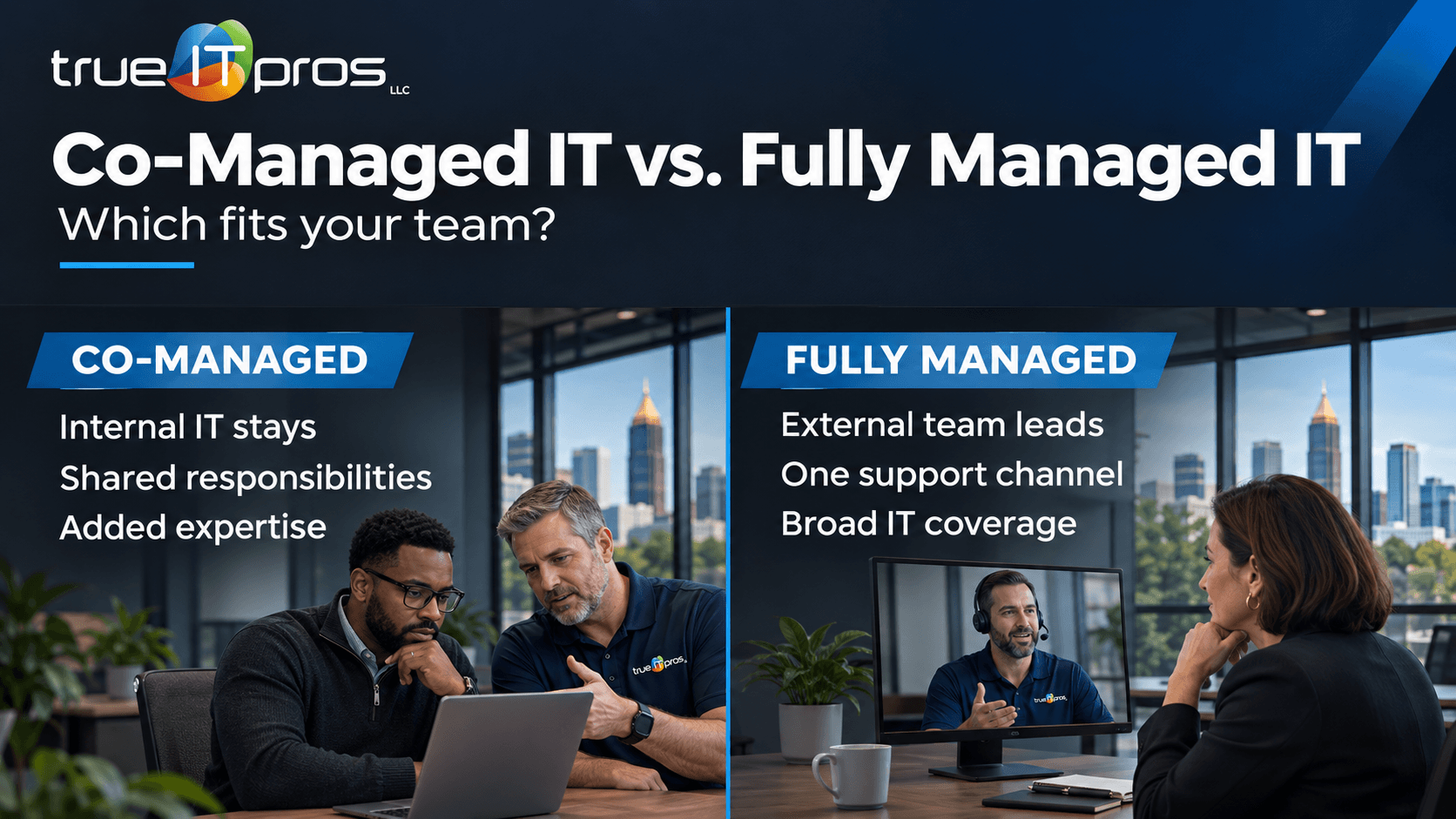
Co-managed IT and fully managed IT differ mainly in who runs day-to-day technology. Co-managed IT adds an outside provider to an existing internal IT team. Fully managed IT places most agreed IT operations with an external provider. The right choice depends on staffing, business systems, and the level of control you want to keep.
For an Atlanta company, this is a staffing decision as much as a technology decision. A law firm without an IT employee may need one support partner. A manufacturer with an IT manager may need extra coverage without losing its in-house knowledge.
Co-managed IT vs. fully managed IT: What changes?
Both models can deliver professional IT support. Co-managed IT shares assigned work with internal staff, while fully managed IT places broader operational responsibility with a provider. Neither label guarantees specific tools, response times, or security coverage.
| Decision factor | Co-managed IT | Fully managed IT |
|---|---|---|
| Internal staff | Existing IT team works with a provider. | No internal IT team required for daily support. |
| Support | Duties split by ticket type or escalation. | Provider owns most contracted support tasks. |
| Projects | External specialists add skills or capacity. | Provider may coordinate projects under separate scope. |
| Oversight | Frequent coordination with internal IT. | Business contact approves priorities and spending. |
| Best fit | You want to retain internal technical knowledge. | You want to outsource routine IT operations. |
Treat this comparison as a planning guide. Providers define their own service scope, so compare contracts rather than assuming the same features are included everywhere.
When does co-managed IT make more sense?
Co-managed IT fits businesses that already have internal IT talent but need added capacity, specialized skills, or coverage. The internal team should have time and authority to coordinate with the provider.
Your IT manager needs extra capacity
Imagine a 75-person Atlanta architecture firm with one IT administrator. That person knows CAD workflows, project deadlines, and access needs. An external provider might handle agreed endpoint maintenance, routine tickets, and backup checks while the administrator focuses on design software and business priorities.
You need specialized project skills
A financial services firm may have a capable team but need help with cloud migrations, network upgrades, or security projects. A co-managed provider can fill defined gaps. Confirm whether project work is included or billed separately.
You need vacation and escalation coverage
When an internal IT employee is away or busy, an outside partner can handle assigned tickets or escalations. This works only if the agreement names coverage hours, access requirements, and handoff procedures.
When does fully managed IT make more sense?
Fully managed IT is often better when no internal team is available to own daily technology work. It may also fit a company that wants one contracted partner to coordinate routine support and maintenance.
Employees are doing IT work instead of their jobs
A small Atlanta accounting office may ask its office manager to reset passwords, call vendors, and fix printers. A fully managed arrangement can provide a designated support process so staff can focus on clients.
You want one main support channel
For a nonprofit with several offices and no IT administrator, one outside team can simplify support requests. The business still needs a decision-maker to approve purchases, grant access, and set priorities.
You are moving beyond break-fix support
A company that calls a technician only when something fails may want ongoing device management, updates, and documentation. Fully managed IT can organize those recurring tasks when the contract clearly lists covered systems, hours, and exclusions.
Which IT responsibilities must your business keep?
Neither model removes leadership’s responsibility for access decisions, budgets, and business risk. Your provider may advise and perform technical work, but company leaders should retain authority over major priorities and vendor decisions.
The NIST Cybersecurity Framework 2.0 stresses clear cybersecurity roles and responsibilities. Apply that principle when dividing work between your staff and an outside provider.
- Leadership: Approves budgets, sets priorities, and makes major risk decisions.
- Internal IT, if present: Owns the tasks specifically assigned to the in-house team.
- Outside provider: Performs the contracted support, monitoring, maintenance, and project activities.
- Joint procedures: Identify who approves changes, responds to alerts, contacts vendors, and leads recovery.
For cybersecurity, do not assume endpoint protection, continuous threat monitoring, incident response, and compliance advice are included in either model. List each control and assign an owner.
How do costs compare between the two models?
Compare the full cost of delivering IT support, not only the monthly invoice. Co-managed IT typically combines internal staffing costs with provider fees. Fully managed IT may reduce the need for internal IT staffing but still requires management time and may have extra project costs.
- Staffing: Salaries, benefits, hiring, training, and time spent supervising vendors.
- Coverage: Supported users, devices, locations, hours, and response expectations.
- Licenses: Cloud accounts, backup services, security software, and business applications.
- Projects: Office moves, migrations, hardware upgrades, and new system rollouts.
- Exceptions: On-site visits, emergency work, vendor coordination, and excluded services.
Ask for proposals based on the same inventory and requirements. A cheaper fee is not a fair comparison if important work is missing from its scope.
Which model fits your business? Ask five questions
Start with how work gets done today. These questions help narrow your options before you request quotes.
- Do we have an IT employee who can coordinate the provider? If yes, co-managed IT may preserve valuable internal knowledge.
- Who owns the support queue? Staff need one clear place to request help, even when two teams share the work.
- Which systems cannot wait? Identify critical tools such as ERP, scheduling, case-management software, and cloud documents.
- Who approves technical changes? Decide which actions require internal review and which the provider can perform.
- What is included? Define support hours, monitoring, backup responsibilities, project fees, and reporting.
Review what managed IT services can include and request a proposal with clear responsibilities. The trueITpros Managed IT Services overview offers additional context before discussing your needs.
What should the first 30 days look like?
A service model succeeds when the handoff is clear. Whether you keep internal staff or outsource operations, use the first month to test the relationship.
Week 1: Inventory and ownership
List users, devices, locations, cloud services, backups, vendors, and critical applications. Name the person who can authorize changes.
Week 2: Assign each task
For helpdesk tickets, patching, onboarding, backups, security alerts, and vendor calls, name one accountable owner and an escalation contact.
Week 3: Test real requests
Run a new-user setup, a software ticket, and a priority escalation through the process. Confirm staff know whom to contact.
Week 4: Review the gaps
Review unresolved issues, missing documentation, upcoming projects, and service reports. Adjust responsibilities before confusion becomes routine.
Frequently asked questions
Is co-managed IT cheaper than fully managed IT?
Not always. Co-managed IT includes internal staff costs and provider fees. Compare total costs against the same support needs.
Can co-managed IT work with one IT employee?
Yes. A single IT manager can coordinate an outside provider when responsibilities and escalation paths are clear.
Does fully managed IT mean losing control?
No. Your business should retain ownership of its accounts, data, domains, and purchasing decisions. The provider performs contracted work.
Which model is better for cybersecurity?
Neither is automatically safer. Results depend on defined controls, coverage, response procedures, and accountability.
Can we change models later?
Often, yes. Update the division of work as staffing changes, and plan the transition around access, documentation, and continuity.
Choose the IT model that matches your team
If you have internal IT talent, identify where outside support would help most. If you have no dedicated IT team, define the daily work a fully managed provider should own. In either case, put responsibilities in writing and review them as your company grows.
To discuss the right service scope for your Atlanta business, contact trueITpros.
Related Content
- Why Email Security Matters for Atlanta SMBs
- What Is a Managed IT Service Provider (MSP) and How Can It Help Your Business?
To learn more about how trueITpros can help your company with Managed IT Services in Atlanta, contact us at www.trueitpros.com/contact