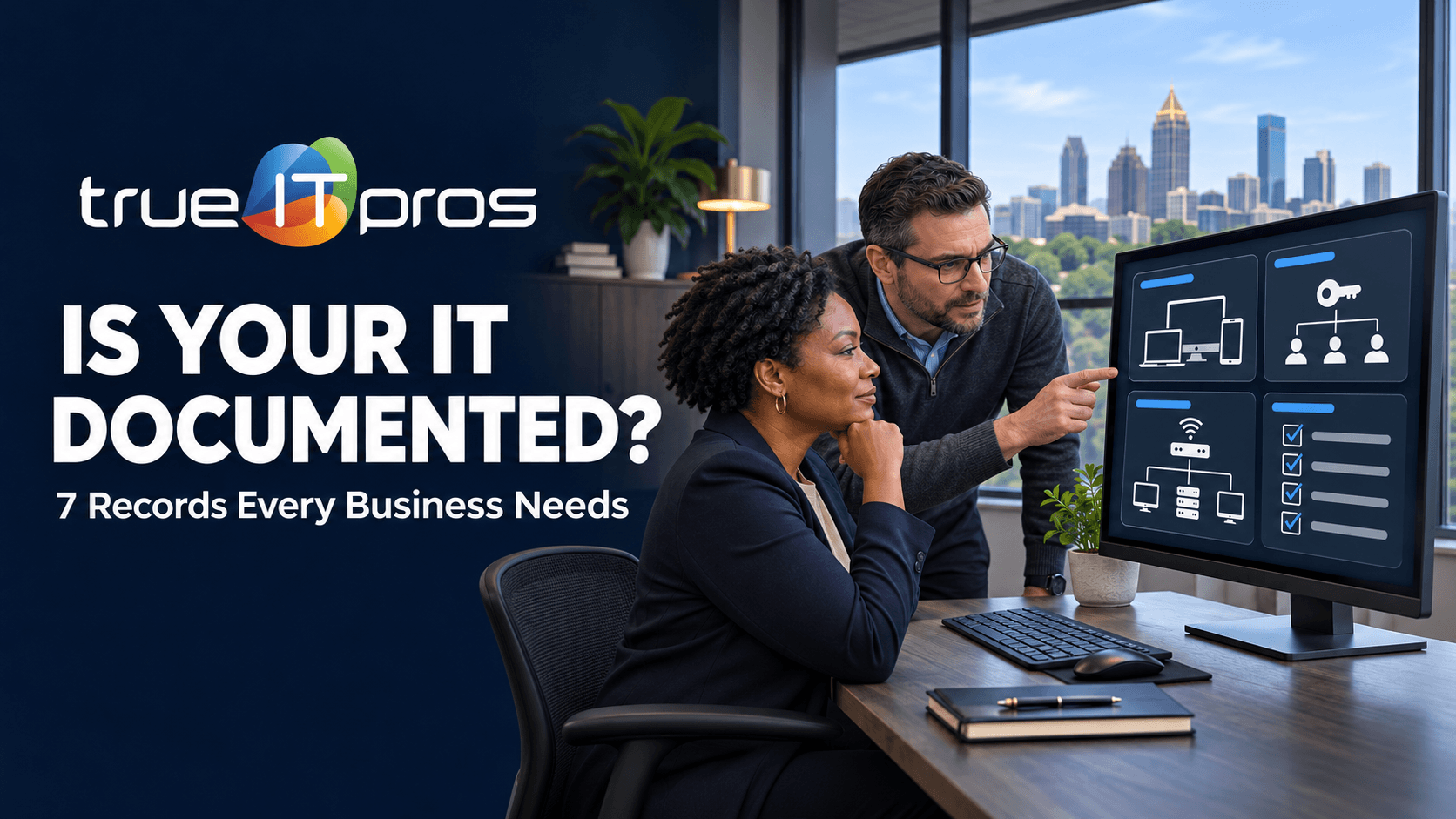
Your company may have reliable computers and a helpful IT provider, but could someone find the domain registrar, restore a critical file, or revoke a former employee’s access if your usual IT contact were unavailable? That is the practical test of useful documentation.
For small and midsize Atlanta businesses, IT documentation should explain which systems matter, who controls them, how they connect, and what to do when something changes. It should help people make decisions, not become a technical binder nobody opens.
What information should your IT provider document first?
Start with an inventory of devices and applications, a list of vendors and system owners, a network overview, access procedures, backup details, and escalation contacts. A Managed IT Services agreement should clarify who creates each record, who approves it, and how updates reach the business.
Do not put passwords or recovery keys into an open spreadsheet. Record where authorized administrators can retrieve them securely, who grants access, and how access is removed.
1. Which devices, software, and cloud services do we use?
A device inventory should cover computers, servers, network equipment, managed mobile devices, and essential peripherals. Useful fields include device ID, location, assigned user, warranty, operating system, and replacement priority. Record cloud subscriptions and software separately with their administrator, business owner, renewal date, and support contact.
An accounting firm might rely on tax software, a document portal, Microsoft 365, and a scanner workflow. Listing laptops alone misses the applications that actually support client work. The NIST Cybersecurity Framework 2.0 includes inventories of hardware, software, systems, services, and data among its asset-management outcomes.
2. Who owns domains, accounts, contracts, and vendors?
Record the company domain and registrar, DNS provider, website host, email platform, internet carrier, phone provider, and critical application vendors. For each service, note the business owner, authorized contact, renewal responsibility, account reference, and escalation process. Keep confidential payment details in an appropriate secure system.
A real estate office should know who can renew its domain and change email records. An architecture firm should know who can contact its design-software vendor. Business-critical accounts should not depend on a former employee’s personal inbox.
3. How does the network fit together?
Ask for a current network diagram showing internet connections, firewalls, switches, wireless networks, offices, important servers, and remote access. It should identify major dependencies without exposing sensitive settings to everyone.
Document staff and guest Wi-Fi purposes, any network segmentation, and the connection between locations. For a business with two Atlanta offices, note whether one site depends on a server or connection at the other. Update the diagram after network changes, not just during an annual review.
4. Who has access, and who approves changes?
Keep an access procedure that names system owners, privileged administrator roles, approval rules, and the steps for onboarding, role changes, and offboarding. Define standard access by job function, then track exceptions with an owner and review date.
A law firm may separate attorney, paralegal, and contractor access. A nonprofit may need temporary volunteer accounts. Cybersecurity planning should also describe multifactor authentication, account recovery, and the escalation path for suspected account compromise. Detailed access records should be restricted to authorized people.
5. What is backed up, and how would we recover?
A backup record should name protected systems and data, backup frequency, retention period, responsible party, recovery priority, and known exclusions. Do not assume a cloud sync feature provides an independent, restorable backup.
If a veterinary clinic loses access to scheduling and patient records, what comes back first? If a construction company loses estimating files, where is the recoverable copy? Ask for the date and outcome of a restore test. A successful backup notification does not prove a restore will work.
6. What happens during an outage or security incident?
Create a short response playbook for internet outages, lost devices, suspicious emails, unavailable business applications, and possible account compromise. Identify whom employees contact, who approves disruptive actions, which evidence should be preserved, and who coordinates external communications when appropriate.
Record who manages patching, endpoint protection, device encryption where used, and unresolved exceptions. Keep secret credentials and sensitive technical configurations in separate access-controlled records, not a broadly shared handbook.
7. Which changes and future projects should be recorded?
Maintain a change log for major upgrades, migrations, new offices, retired systems, and configuration decisions. Include the date, reason, approver, affected services, and rollback steps when relevant. A short roadmap can track upcoming renewals, equipment replacement, and known risks.
This history helps a new technician avoid repeating failed troubleshooting steps and helps business leaders distinguish normal support from separately scoped IT projects.
What should a usable documentation package include?
| Record | Minimum contents | When to update |
|---|---|---|
| Asset and software inventory | Owner, location, identifier, lifecycle status | Purchase, assignment, retirement |
| Vendor and domain register | Provider, authorized contact, renewal owner | Vendor or contract change |
| Network overview | Locations, key connections, dependencies | Office or network change |
| Access procedures | Approvers, roles, privileged access process | Hire, role change, departure |
| Backup and recovery plan | Coverage, priority, restore-test evidence | System change or test |
| Incident and support playbook | Escalation contacts, decision owners, steps | Incident or staffing change |
| Change log and roadmap | Approvals, major changes, future needs | Project or quarterly review |
Who owns the records if you change IT providers?
Agree in writing which business records your company can access and receive during a transition. A provider may have proprietary tools or internal notes, but your business needs usable information about its own assets, accounts, vendors, and recovery procedures. Confirm the handoff format before a transition becomes urgent.
Request an updated inventory, administrator-access transfer process, network overview, vendor contacts, backup scope, and unresolved issues. Transfer credentials through an approved secure channel, verify access with the incoming team, and rotate credentials when appropriate.
How often should IT documentation be reviewed?
Update records when systems or responsibilities change. A quarterly review can catch gaps, but it cannot replace updates triggered by a new hire, office move, vendor cancellation, firewall replacement, or software migration. Each record needs an owner and a last-reviewed date.
If documentation is incomplete, start with the systems whose loss would stop work. Assign deadlines and verify each improvement rather than asking for a perfect encyclopedia overnight.
A 30-day documentation check for your business
- Week 1: Collect current inventories, vendor contacts, and network diagrams; identify critical missing records.
- Week 2: Confirm domain and cloud account ownership, secure credential access, and onboarding/offboarding approvals.
- Week 3: Review backup scope, restore-test results, recovery priorities, and incident contacts.
- Week 4: Assign record owners, set update triggers, and schedule a follow-up on unresolved gaps.
Documentation should help authorized people solve problems without exposing secrets. Review managed IT service options to frame your expectations, or contact trueITpros to discuss documentation responsibilities in your support plan.
Frequently asked questions
Should my provider give me every administrator password?
Your business needs a secure process for authorized access to essential accounts. That does not mean distributing an unsecured password export to every employee.
Is a spreadsheet enough for IT documentation?
It can be useful for inventories, but credentials, network diagrams, and recovery procedures may require separate controlled tools. Accuracy, ownership, and access controls matter more than format.
How detailed should documentation be for a small company?
Begin with systems that would stop work, their owners, and recovery steps. Add technical depth as your company grows and dependencies become more complex.
Will better documentation prevent downtime?
It cannot guarantee uninterrupted service, but it can reduce time wasted locating vendors, settings, owners, and recovery instructions during troubleshooting.
What if our current IT provider has incomplete records?
Prioritize critical accounts, backups, devices, and vendor relationships. Agree on the missing items, responsible person, due date, and method for confirming accuracy.
Related content
- Why Email Security Matters for Atlanta SMBs
- What Is a Managed IT Service Provider (MSP) and How Can It Help Your Business?
To learn more about how trueITpros can help your company with Managed IT Services in Atlanta, contact us at www.trueitpros.com/contact