“`html
Social Media Account Security Lessons from Google+
Social media account security protects your company’s brand, customer trust, and online identity. A stolen account can be used to post scams, send fake messages, impersonate employees, or lock your team out.
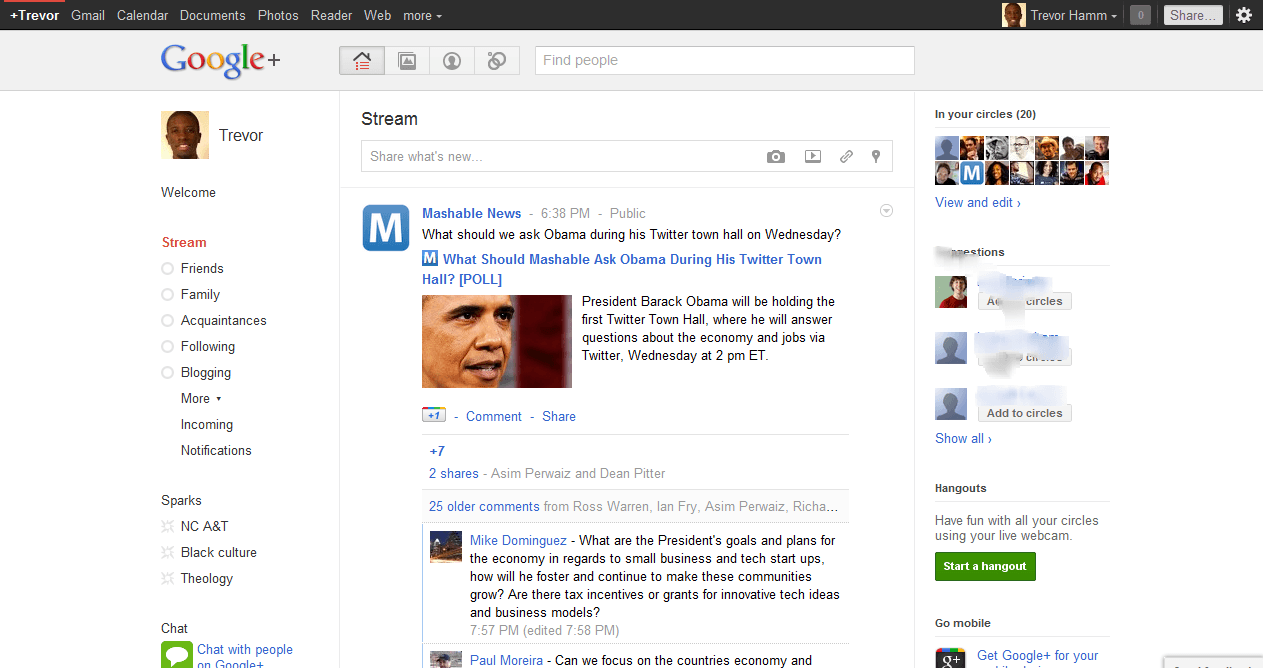
The original version of this article focused on Google hiring Christopher Poole, the founder of 4chan, and what that move could mean for Google+. Years later, the consumer version of Google+ closed. Its content, pages, integrations, and business value did not last forever.
That history offers an important lesson for Atlanta small businesses. Social platforms can change, remove features, suffer security problems, or disappear. Your company must remain in control of its accounts, access, content, and recovery options.
Small businesses should protect social media accounts with multi-factor authentication, unique passwords, controlled access, company-owned recovery methods, and a tested response plan.
What did Google+ teach businesses about platform risk?
Google+ showed that even a platform owned by a large technology company may not remain available. Businesses should never treat a social platform as the only place where important content, customer contacts, or company records are stored.
Google officially shut down the consumer version of Google+ on April 2, 2019. Consumer pages and content were deleted, and integrations such as Google+ Sign-In stopped working. Business owners who depended on the platform had to move their content and update connected systems.
Businesses can review Google’s official Google+ shutdown information for more details about how the change affected users, pages, content, and integrations.
Why does platform risk matter to a small business?
Platform risk matters because your business does not fully control a third-party social network. The platform owner controls its features, security settings, account recovery process, and future availability.
A business should be prepared for several possible changes:
- A platform may close or remove an important feature.
- An integration may stop working after an update.
- A company page may become tied to a former employee’s personal account.
- A security incident may expose private account information.
- The recovery process may change without much warning.
For example, a law firm should not keep its only copies of educational videos on a social platform. A construction company should not let one employee personally own every company page. An accounting firm should not use the same password for social media, email, and cloud software.
What is social media account security?
Social media account security is the process of protecting business profiles, login credentials, administrators, connected applications, recovery methods, and published content from unauthorized access or loss.
Good security goes beyond choosing a strong password. It defines who owns each account, who can access it, how users sign in, and what happens when an employee leaves.
It also gives the company a clear recovery path. If an attacker takes over the account, the business should know which email address, phone number, administrator, and support process to use.
Which controls protect a business social media account?
| Security control | Why it matters | Simple action |
|---|---|---|
| Company ownership | Keeps the account under business control. | Use a company-managed email address. |
| Unique credentials | Stops one stolen password from opening several accounts. | Create a different password for each platform. |
| Multi-factor authentication | Adds another check when someone signs in. | Use an authentication app, passkey, or security key. |
| Role-based access | Limits what each employee or vendor can change. | Give users only the permissions they need. |
| Recovery planning | Helps the business regain access after an incident. | Store backup codes and recovery details securely. |
| Login monitoring | Warns the team about unknown devices or locations. | Turn on security and login alerts. |
How do attackers take over business social accounts?
Attackers often take over social accounts by stealing passwords, tricking employees, abusing old access, or connecting a harmful application. They do not always need to break through advanced security tools.
Phishing and fake support messages
A fake message may claim that your page violated a rule or will be deleted. The message then sends the employee to a false login page that steals the username, password, and verification code.
Employees should open the platform directly instead of using an unexpected login link. They should also report urgent messages that ask for passwords or security codes.
Reused or shared passwords
A reused password creates a chain reaction. If the same password was exposed on another website, an attacker may try it on your company’s social accounts, email, and cloud applications.
Shared passwords also make it hard to track activity. The company may not know who signed in, changed a setting, or sent a message.
Former employees and forgotten administrators
Former employees may keep access when offboarding is incomplete. They may still be listed as page owners, administrators, editors, or advertising managers months after leaving.
This may create a security risk even when the former employee has no harmful intent. Their personal account could be hacked and then used to enter the company page.
Unsafe third-party applications
Scheduling, analytics, advertising, and automation tools often request access to social media accounts. Some applications receive permission to publish content, read messages, or manage pages.
Businesses should review connected applications and remove tools that are unknown, unused, or no longer supported.
What should a small business secure first?
Start with account ownership, administrator access, passwords, multi-factor authentication, and recovery information. These controls reduce the most common risks and make future account management easier.
- Create an account inventory. List every company profile, page, advertising account, administrator, and connected application.
- Confirm company ownership. Move recovery information away from personal email addresses and phone numbers when the platform allows it.
- Use unique passwords. Store long, different passwords in an approved business password manager.
- Enable MFA. Protect every administrator and user who can publish, change settings, or manage advertising.
- Remove unnecessary access. Delete former employees, old agencies, unused applications, and duplicate administrators.
- Document account recovery. Record the account owner, recovery email, phone number, backup codes, and platform support process.
- Back up important content. Keep original images, videos, documents, and campaign records outside the social platform.
The National Institute of Standards and Technology explains why multi-factor authentication is an important security step for small businesses. The Federal Trade Commission also provides practical cybersecurity guidance for protecting business accounts, devices, networks, and data.
A 30-minute social account security review
A short review can uncover serious problems before they become incidents. Choose your most important social account and check its security settings today.
Fix these high-risk gaps first
- The main owner uses a personal email address.
- Administrators do not use multi-factor authentication.
- Several people share one password.
- Former employees or vendors still have access.
- Unknown applications are connected to the account.
- Recovery codes and backup contacts are missing.
How should employee and vendor access be managed?
Employee and vendor access should follow each person’s job. Users should receive only the permissions they need, and access should be reviewed whenever a role changes.
| Business event | Required security action |
|---|---|
| New employee | Create individual access, assign the correct role, and require MFA. |
| Role change | Remove old permissions and approve only the access needed for the new role. |
| Employee departure | Remove access immediately, end active sessions, and update shared recovery information. |
| Agency or contractor access | Use role-based access, set an end date, and keep a company administrator in control. |
Avoid giving an outside agency full ownership when editor or advertiser access is enough. Your company should always keep at least two trusted administrators so one unavailable person cannot block access.
What should you do after a social account is compromised?
Secure the connected email account first, then reset credentials, end unknown sessions, remove unauthorized users, and begin the platform’s recovery process. Fast action can limit fraudulent posts, messages, and advertising charges.
- Protect the company email account connected to the social profile.
- Change the social account password from a trusted device.
- End active sessions on devices you do not recognize.
- Remove unknown administrators and connected applications.
- Save screenshots of fake posts, messages, login alerts, and account changes.
- Contact the platform through its official account recovery process.
- Warn customers if the attacker posted scams or sent harmful messages.
- Review how the incident happened and correct the security gap.
Do not communicate with account recovery services found in unsolicited messages or comments. Scammers often target businesses a second time by offering fake recovery help.
When does outside IT support make sense?
Outside IT support makes sense when social accounts connect to business email, cloud platforms, employee devices, password managers, or advertising systems. In these cases, the security issue extends beyond the social platform itself.
A provider offering small business IT security support can help protect the identities, devices, email accounts, and access controls surrounding your social media profiles.
That support may include:
- Reviewing account owners, administrators, and permissions.
- Setting up MFA and secure password management.
- Protecting Microsoft 365 or Google Workspace accounts.
- Creating employee onboarding and offboarding steps.
- Training employees to recognize phishing messages.
- Helping the business respond after an account takeover.
Frequently Asked Questions About Social Media Account Security
Should a business social media account use a company email address?
Yes. A company-managed email address gives the business more control over login alerts, password resets, recovery messages, and employee departures. Avoid making a former employee’s personal email the only account owner.
Is multi-factor authentication enough to stop every account takeover?
No. MFA greatly improves security, but employees can still approve a fake login or enter a code on a phishing website. Businesses also need employee training, unique passwords, access reviews, and login monitoring.
How often should social media access be reviewed?
Review administrator, employee, vendor, and application access at least every three months. Conduct another review whenever an employee leaves, a vendor contract ends, or account ownership changes.
Can a former employee still access a company social media page?
Yes. Former employees may keep access if they were not removed from the platform or if they know a shared password. Social media access should be included in every employee offboarding checklist.
What is the first step after discovering a hacked social account?
Secure the connected business email account first. Then change the social account password, end unknown sessions, remove unauthorized administrators, and begin the platform’s official recovery process.
Protect your business accounts before a problem starts
Social media profiles are part of your business technology environment. They connect to employees, email accounts, mobile devices, advertising tools, customer messages, and your public reputation.
trueITpros helps Atlanta small businesses improve account security, manage user access, protect cloud platforms, train employees, and respond to technology risks. Contact our team to review the security controls protecting your company’s online accounts.
Contact trueITpros to discuss your business security needs.
Related Content
- Secure Your Social Media: Protect Business Accounts Fast
- Social Media Oversharing: Hidden Risks for SMBs
- Spear Phishing Attacks Every Atlanta SMB Should Know
To learn more about how trueITpros can help your company with Managed IT Services in Atlanta, contact us at www.trueitpros.com/contact
“`