What Does a Managed IT Provider Do for a Small Business?
A managed IT provider for a small business takes responsibility for supporting, monitoring, maintaining, and helping plan the technology the company depends on. Instead of calling an IT technician only when something breaks, the business gets ongoing support for users, computers, networks, cloud services, security, and other critical systems.
For a small business in Atlanta, this can mean fewer technology problems falling through the cracks. Employees have someone to contact when they need help, devices can be monitored and maintained, and business leaders gain an IT partner who can help them make better technology decisions.
The goal is not simply to fix computers. A good managed IT provider helps make technology more reliable, manageable, secure, and aligned with how the business operates.
A managed IT provider gives a small business ongoing IT support, monitoring, maintenance, security assistance, cloud administration, network management, and technology planning instead of waiting for problems to happen.
What Does a Managed IT Provider Actually Manage?
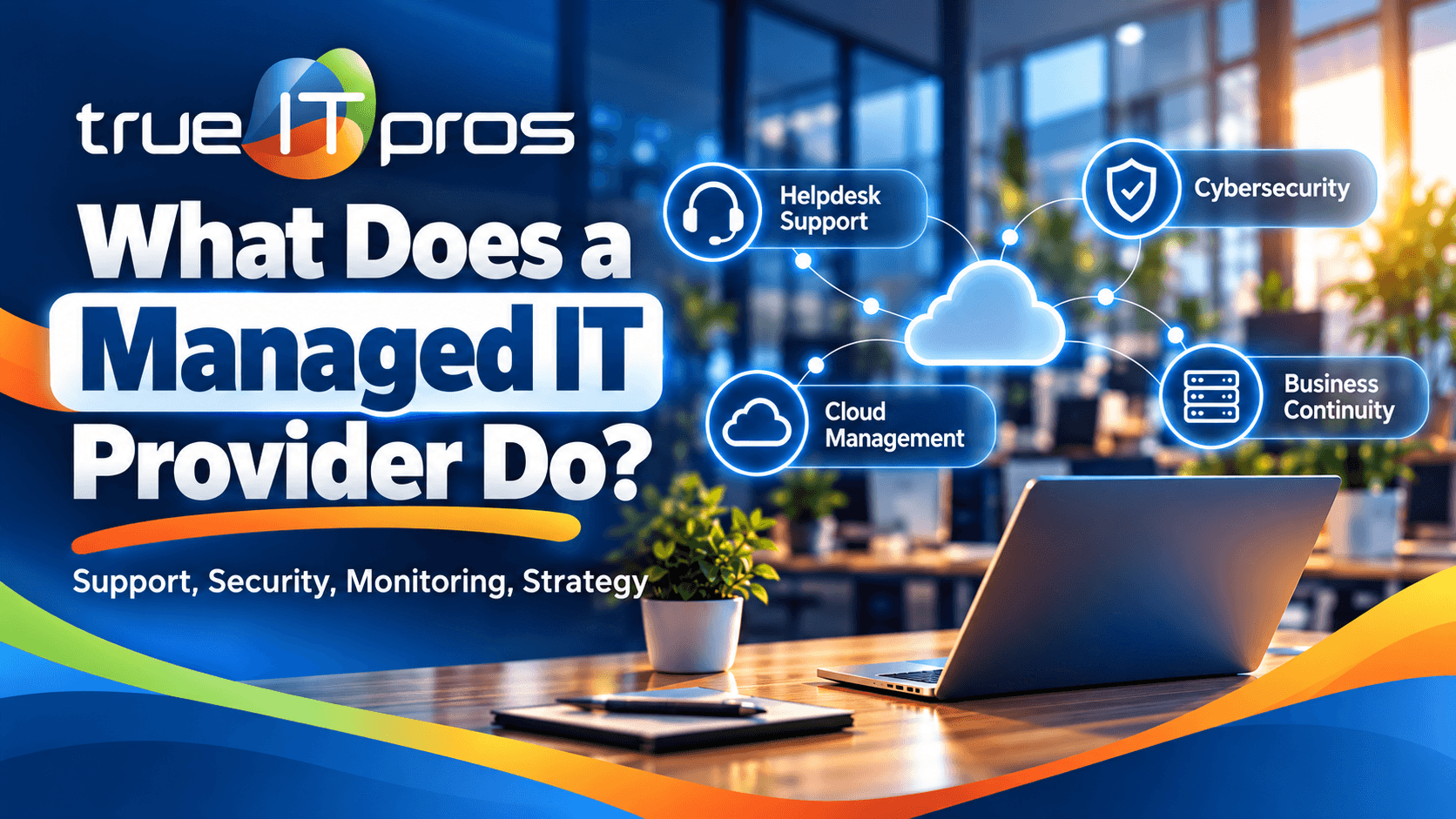
A managed IT provider can oversee many of the systems employees use every day. The exact responsibilities depend on the business, but the work often covers everything from employee support to infrastructure monitoring and long-term planning.
With managed IT, these responsibilities are handled as an ongoing service rather than a series of unrelated repair calls.
| IT Responsibility | What It Means for the Business |
|---|---|
| User support | Employees have a place to get help with everyday technology problems. |
| Endpoint management | Computers and workstations can be monitored, maintained, updated, and protected. |
| Network management | The provider helps maintain the network infrastructure employees depend on. |
| Cloud administration | Business platforms such as Microsoft 365 or Google Workspace can be managed more consistently. |
| Security maintenance | Updates, security tools, monitoring, and other safeguards help reduce avoidable security gaps. |
| Business continuity | The company can prepare for technology failures and other disruptions that affect access to systems and data. |
| Technology planning | Leadership gets guidance for upgrades, budgeting, technology decisions, and future needs. |
How Does a Managed IT Provider Support Employees?
A managed IT provider gives employees a consistent place to get technical help. When a user cannot access email, connect to a system, use a business application, or work properly from a device, the provider’s helpdesk can troubleshoot the problem.
This matters because small companies rarely have extra employees available to troubleshoot technology. An office manager at an Atlanta law firm, for example, should not have to spend an hour diagnosing why an attorney cannot access a business application before a client meeting.
Effective support can cover issues such as:
- Computer and workstation problems
- Email and account access
- Microsoft 365 and Google Workspace administration
- Line-of-business application support
- Network connectivity
- Printer and peripheral issues
- Phone system support
- Onsite IT infrastructure and end-user support when needed
Does a Managed IT Provider Monitor Computers and Networks?
Yes. Proactive monitoring is one of the main differences between managed IT and traditional break-fix support. Instead of relying only on employees to notice and report problems, an MSP can monitor parts of the IT environment for issues that need attention.
At trueITpros, Managed IT Services can include endpoint management, managed networking, software updates and security patch maintenance, and 24/7 IT infrastructure monitoring by a Network Operations Center.
The business value is prevention and visibility. A company has a structured process for maintaining its environment instead of depending entirely on someone noticing that a device, network component, or system has developed a problem.
How Does Managed IT Help With Cybersecurity?
Managed IT can help reduce common security gaps by keeping devices maintained, managing updates, supporting security tools, monitoring infrastructure, and helping users when suspicious activity occurs.
This is especially important when employees depend on email, cloud platforms, remote access, laptops, and business applications to handle sensitive information.
Depending on the environment, support may include:
- Antivirus and malware protection
- Software updates and security patches
- Web surfing and DNS protection
- Endpoint management
- Email and cloud platform administration
- Cybersecurity breach response support
Managed IT does not make a company immune to cyberattacks. It can, however, provide a more consistent structure for maintaining systems, identifying problems, supporting users, and responding when something looks wrong.
What Happens When a Business Uses Only Break-Fix IT?
Break-fix IT focuses primarily on solving problems after they happen. Managed IT adds ongoing maintenance, monitoring, support, and planning so the business does not have to treat every technology issue as a separate emergency.
Break-fix IT asks, “How do we fix this problem?” Managed IT also asks, “What should we maintain, monitor, or change so this problem is less likely to disrupt the business again?”
| Break-Fix IT | Managed IT |
|---|---|
| Support is usually requested after a problem appears. | Support is part of an ongoing relationship. |
| Maintenance may be handled inconsistently. | Maintenance can follow an established process. |
| IT planning is often separate from repairs. | Technology planning can be part of the service relationship. |
| The business may have limited visibility between service calls. | Monitoring can provide greater visibility into the IT environment. |
Can a Managed IT Provider Help With Microsoft 365 and Google Workspace?
Yes. A managed IT provider can help administer cloud productivity platforms such as Microsoft 365 and Google Workspace. For a small business, this creates a more organized way to handle accounts, access, employee support, and everyday platform issues.
This becomes especially useful as a company hires employees, changes roles, adds devices, or uses more cloud-based applications. Without clear administration, small access problems and inconsistent settings can accumulate over time.
Does an MSP Help With Business Continuity?
A managed IT provider can help a business prepare for technology disruptions and build a more structured approach to continuity. The specific strategy depends on the company’s systems, applications, data, users, and operational requirements.
The important question is not only whether a company has technology in place. Leadership should also understand what happens if a critical system becomes unavailable and what processes exist to restore operations.
For an accounting firm, that could mean understanding how employees would regain access to important files and applications during a disruption. For a construction company, the priorities might include access to project information, communications, and systems used by office and field teams.
Does a Managed IT Provider Help Plan Future Technology?
Yes. Managed IT should include more than daily troubleshooting. A provider can also help leadership evaluate technology needs, identify aging systems, plan improvements, and make better decisions about future IT investments.
Virtual CIO and CTO services can help connect technical decisions to business priorities. Instead of buying technology only when an urgent problem appears, leadership can consider upcoming needs and build a more deliberate technology roadmap.
Technology planning may address questions such as:
- Which computers or infrastructure components need attention?
- Are current cloud tools still appropriate for the company?
- Where are recurring IT problems slowing employees down?
- Which technology changes should be budgeted for next?
- Does the current IT environment support future hiring or growth?
- Are IT policies and procedures keeping pace with the business?
What Should a Small Business Expect From Its Managed IT Provider?
A small business should expect its managed IT provider to understand the company’s environment, respond when employees need assistance, maintain covered systems, communicate clearly, and help leadership identify technology risks and priorities.
A practical way to evaluate an MSP is to look beyond the list of technical services and ask how those services are actually delivered.
Questions to ask a potential managed IT provider
- How do our employees request help?
- What systems and devices will you monitor?
- How are software updates and security patches managed?
- What happens when we need onsite assistance?
- Who helps us make larger technology decisions?
- How do you support Microsoft 365, Google Workspace, and our business applications?
- What cybersecurity services are included, and what requires separate protection?
- How do you help us prepare for technology disruptions?
- Are we required to sign a long-term contract?
- How will you communicate ongoing IT priorities to our leadership team?
How Can You Tell If Your Small Business Needs Managed IT?
A business may be ready for managed IT when technology problems are becoming too frequent, employees do not know where to get reliable support, maintenance is inconsistent, or leadership lacks a clear picture of who is responsible for the IT environment.
Your business may need a more proactive IT model if:
- Employees regularly lose time troubleshooting their own IT problems.
- You call different technicians depending on what breaks.
- No one is clearly responsible for device maintenance and patching.
- You are unsure whether important infrastructure is being monitored.
- Microsoft 365 or Google Workspace administration is handled informally.
- Recurring IT issues keep returning without a long-term solution.
- Technology purchases are made reactively rather than planned.
- The business has grown beyond what one internal employee or occasional technician can comfortably support.
What Does Managed IT Look Like With trueITpros?
trueITpros provides proactive Managed IT Services for small and medium-sized businesses in Atlanta. The service is designed to combine day-to-day employee support with ongoing management of the technology environment.
Depending on the business environment and service needs, this can include endpoint management, software updates and security patch maintenance, antivirus and malware protection, DNS protection, Microsoft 365 and Google Workspace administration, line-of-business application support, managed networking, infrastructure monitoring, onsite support, business continuity services, IT policies and procedures, and Virtual CIO and CTO guidance.
trueITpros also offers support through web chat, email, or phone, a 10-minute helpdesk response SLA, monthly payments, no annual contracts, consolidated billing, and payment by credit card or ACH.
For an Atlanta small business, the larger goal is straightforward: give employees reliable support while giving leadership a clearer, more proactive way to manage technology.
Frequently Asked Questions About Managed IT Providers
What are managed IT services for small businesses?
Managed IT services provide ongoing technology support and management through an external IT provider. Services can include helpdesk support, device management, monitoring, network support, cloud administration, security maintenance, business continuity, and technology planning.
What is the difference between an MSP and regular IT support?
Regular break-fix support usually responds after something goes wrong. An MSP provides ongoing support, maintenance, monitoring, and planning so IT can be managed more proactively.
How much IT support does a small business need?
The right level depends on the number of employees, devices, locations, applications, security needs, and how dependent the company is on technology. A qualified IT provider can review the environment and determine what should be supported and monitored.
Can a small business use an MSP without having internal IT staff?
Yes. Many small businesses use an MSP as their primary IT resource. Other companies use managed IT to support existing internal staff when they need additional help, monitoring, specialized expertise, or strategic guidance.
What should I look for in an Atlanta managed IT provider?
Look at how the provider handles employee support, monitoring, maintenance, security, onsite needs, cloud platforms, business continuity, and technology planning. Clear communication and an understanding of your business operations matter as much as the technical service list.
Get Proactive IT Support for Your Atlanta Business
A managed IT provider can become the team responsible for keeping everyday technology supported, maintained, monitored, and better organized. For a small business, that means employees have somewhere to turn when they need help while leadership gains a partner for larger IT decisions.
If your company is still handling IT one problem at a time, it may be worth reviewing whether a proactive managed service model would provide better support for your employees and business operations.
To learn more about how trueITpros can help your business with managed IT services, contact us.