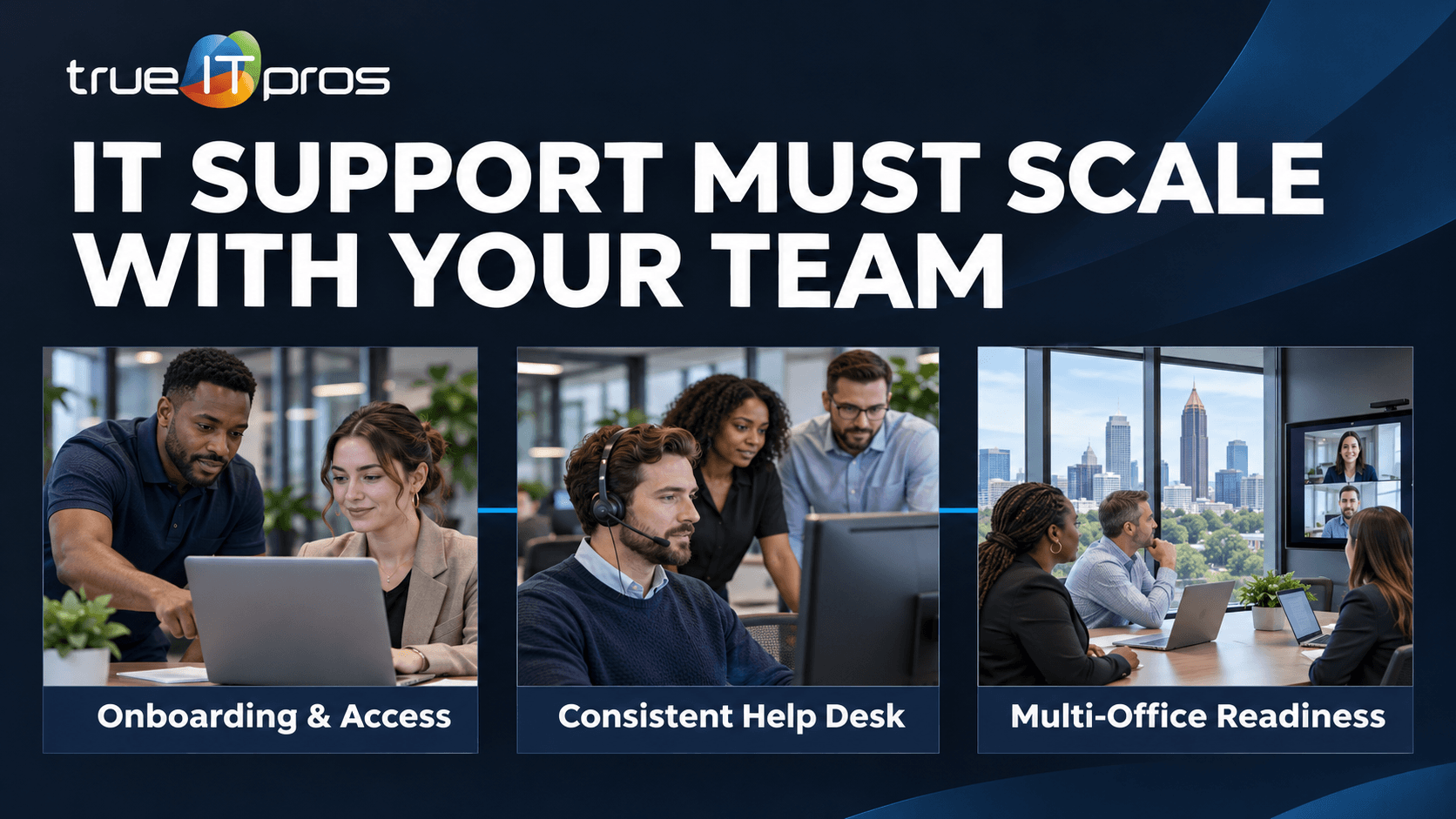
Hiring a new employee looks straightforward on an organizational chart. In practice, that person needs a computer, email, approved software, access to the right files, and someone to call when something stops working. Multiply those needs across departments and locations, and informal IT habits can become a source of delays.
For Atlanta businesses, the shift is not simply buying more laptops. It is moving from individual fixes to repeatable support processes. Managed IT Services can offer a structured way to plan that transition, with responsibilities defined in an agreement.
What changes in IT support when a company adds employees?
As a company grows, IT support should become more predictable: standardized onboarding, controlled access, documented devices, consistent help requests, and planned maintenance.
A small consulting office may initially rely on one person who knows every password reset procedure. After hiring project managers, finance staff, and remote employees, that knowledge must be documented. A new employee might use email, CRM, cloud storage, accounting software, and a phone application. Each connection creates an access decision and an eventual offboarding task.
Stage 1: What should change after your first few hires?
Early growth is the time to stop configuring every device differently. An Atlanta accounting practice adding an administrative assistant should not rely on copying a partner’s desktop or sharing an existing account.
- Create a new-hire request listing role, start date, equipment, applications, and approver.
- Use individual business accounts and record who authorizes access.
- Maintain a basic inventory of devices, warranties, subscriptions, and assigned users.
- Document where employees report problems and who handles urgent requests.
- Define how devices are returned and access is removed when someone leaves.
These steps do not require a large IT department. They require clear ownership: who approves access, who performs setup, and who confirms the employee can work on day one.
Stage 2: How does support change when teams specialize?
Once sales, operations, finance, and management use different tools, a generic setup becomes less useful. A construction company may have estimators handling large plan files, project managers in the field, and accounting staff using financial applications. They need reliable support, but not identical permissions or equipment.
Create role-based device and application standards. Maintain approved software lists and identify the business owner of each critical system. Establish a shared ticket process with a description, priority, assigned owner, and resolution history.
Why does ticket tracking matter?
Without a common queue, the same printer issue may be reported to three people while an urgent access request is missed. Ticket records reveal recurring problems and help managers separate isolated interruptions from patterns worth fixing.
Stage 3: What changes when multiple managers hire independently?
As departments grow, employee changes can happen without a central coordinator. A real estate firm may add agents while an insurance agency adds producers needing several vendor portals. IT cannot prepare reliably if it hears about a new hire after the start date.
Connect management decisions to IT workflows. Agree on onboarding lead time, use a change request for role transfers, and follow an offboarding checklist covering accounts, devices, shared folders, and third-party services. Business leaders should approve privileges; IT should implement and document the changes.
Clarify how cybersecurity responsibilities are divided. Account protection, device updates, backup monitoring, training, and incident escalation may involve different parties. Never assume one subscription includes every responsibility.
Stage 4: How does support change across offices and remote teams?
When employees work from multiple Atlanta-area offices, client sites, or home networks, a slow application might involve local Wi-Fi, a device, an internet connection, or the application provider. Support teams need documentation to troubleshoot without guessing.
- Record internet services, network equipment, contacts, and support arrangements for each location.
- Define enrollment, updates, and replacement processes for remote devices.
- Approve remote access methods and document which systems are accessible off-site.
- Keep escalation contacts for cloud applications, telecom, and specialized software.
- Test how essential work continues if a location loses connectivity.
Which IT responsibilities should become formal first?
These are practical priorities, not universal headcount thresholds. A company handling sensitive client information may need mature processes earlier than a business with simpler systems.
| Area | Informal approach | Scalable approach |
|---|---|---|
| New hires | Manager emails someone for a laptop. | Approved request, standard setup, completion check. |
| Access | Permissions copied from a coworker. | Role-based approvals and periodic review. |
| Help requests | Direct messages to an available person. | Shared queue and escalation path. |
| Devices | Occasional spreadsheet updates. | Maintained inventory and replacement plan. |
| Continuity | Backups assumed to work. | Named owner, recovery priorities, tested restores. |
The NIST Cybersecurity Framework 2.0 Small Business Quick-Start Guide offers a useful starting point for identifying important assets, prioritizing risks, and assigning responsibilities. It is voluntary guidance rather than a one-size-fits-all tool list.
How should onboarding and offboarding scale with hiring?
Treat onboarding as a project with a deadline. Record the department, supervisor, location, start date, equipment needs, required applications, and approval for sensitive access. Prepare accounts and devices before day one instead of reacting to urgent messages.
Offboarding deserves equal attention. Disabling email may not remove access to shared drives, financial platforms, or vendor portals. Maintain an application inventory tied to roles and verify completed changes. Handle business records under company policies and applicable requirements.
The FTC’s Cybersecurity for Small Business resources recommend regular software updates, backups, and employee awareness. These basics become harder to coordinate as users and devices multiply.
What warning signs show support is not keeping up?
Use this checklist during a management meeting. Repeated answers of “we are not sure” suggest a process review is overdue.
- New employees regularly wait for equipment or permissions.
- Managers do not know who approves access to sensitive systems.
- Support requests disappear into personal inboxes or chats.
- The same technical issue interrupts employees repeatedly.
- No one can produce a current device and software ownership list.
- Departures require last-minute searches for accounts and equipment.
- Office expansion occurs without an IT readiness review.
Track the business impact, not just ticket volume. A shared-drive issue delaying client deliverables deserves more attention than a minor inconvenience with an easy workaround.
How can a growing business plan its next 90 days?
Days 1–30: Map the work
List employees, devices, business-critical applications, locations, and support contacts. Ask department leaders which failures interrupt client service or daily operations. Identify access and documentation gaps.
Days 31–60: Standardize the basics
Create onboarding and offboarding checklists, one support-request path, role-based setup templates, and a device inventory owner. Agree on priority definitions and vendor escalation contacts.
Days 61–90: Review and adjust
Review repeated incidents, onboarding delays, and upcoming hires. Schedule device replacement and recovery testing. If outside help is needed, compare the responsibilities in managed IT service arrangements rather than choosing by price alone.
What should you ask an IT provider before the next hiring wave?
- How are new-hire requests approved and confirmed?
- Which tasks are ongoing support versus separate projects?
- Who coordinates with third-party application vendors?
- How are access changes, device records, and recurring problems documented?
- What reporting helps management plan the next quarter?
For Atlanta businesses adding employees or locations, trueITpros can discuss how defined support responsibilities might fit existing systems and internal teams. Start with your hiring plan, current bottlenecks, and the work that cannot afford avoidable interruptions.
Frequently asked questions
Does every new employee require more IT spending?
Not necessarily. Some costs are per user or device, while others are shared. Budget needs depend on licenses, hardware, support scope, security, and role.
Should we standardize laptops before growing further?
Consistent approved device options simplify setup, updates, replacement, and troubleshooting. Specialized teams may need different specifications.
When should HR and IT coordinate onboarding?
As soon as employee changes affect accounts, equipment, or permissions. A shared workflow helps even without a formal HR department.
Can an MSP work alongside an internal IT employee?
Yes, with clearly defined responsibilities, escalation paths, and access permissions. The right division depends on internal capacity and skills.
What if we have several offices but few employees?
Geographic complexity can matter more than headcount. Review connectivity, remote access, local equipment, vendor coordination, and recovery needs.
Related content
- Why Email Security Matters for Atlanta SMBs
- What Is a Managed IT Service Provider (MSP), and How Can It Help Your Business?
To learn more about how trueITpros can help your company with Managed IT Services in Atlanta, contact us at www.trueitpros.com/contact