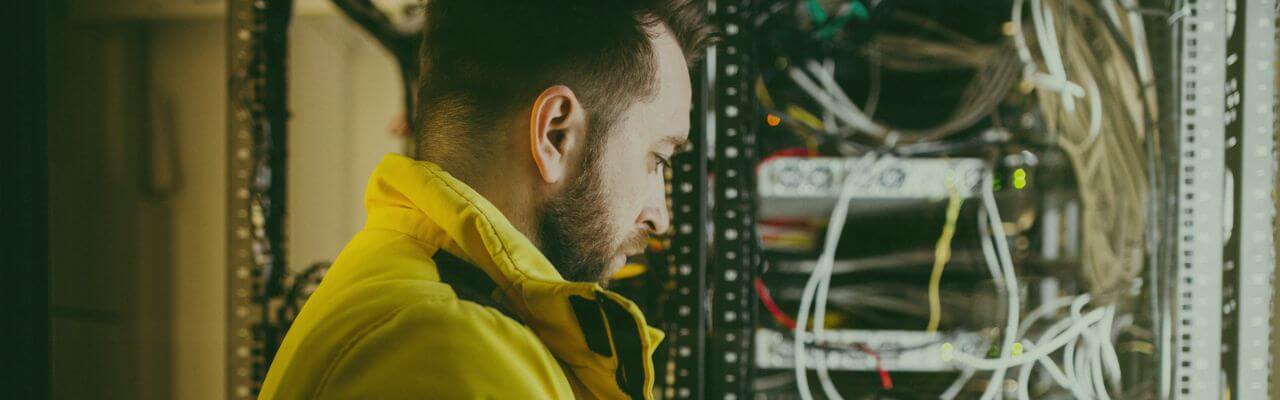
Why Atlanta SMBs Must Prepare for Summer Storms
Power outages and lightning strikes during Georgia’s storm season can shut down your business in seconds. Without proper IT protections, you risk data loss, hardware damage, and costly downtime.
For small businesses in Atlanta—from law offices and real estate agencies to veterinary clinics and construction firms—storm readiness isn’t optional. It’s mission-critical.
What Happens When Storms Hit Your Business Tech?
When summer storms roll through Georgia, your business faces major IT risks:
- Sudden power loss that crashes servers, workstations, and VoIP phones
- Voltage spikes that damage critical hardware
- Internet disruptions that stall remote access and cloud operations
- Physical damage to on-premise infrastructure from flooding or fire
Without a plan, every storm becomes a threat to your productivity and customer trust.
How to Protect Electronics During Power Outages
Use these tools to prevent damage when the power flickers—or fails completely:
Invest in Uninterruptible Power Supplies (UPS)
- Keeps critical devices like routers, switches, and servers running for minutes to hours
- Prevents data loss and file corruption during abrupt shutdowns
- Gives your team time to save work and shut down devices safely
Use Surge Protectors & Line Conditioners
- Shields computers, printers, and networking equipment from sudden voltage spikes
- Protects sensitive devices from storm-related surges and brownouts
Install a Generator for Extended Outages
- Especially useful for manufacturing, medical, or legal practices with zero tolerance for downtime
- Keeps you operational even when the grid is down for hours or days
How to Protect Data from Storm Damage
Storm-proofing isn’t just about hardware—it’s about making sure your files, apps, and communications keep running.
Set Up Automatic Cloud Backups
- Back up data in real time to secure, off-site servers
- Protects files even if on-premise equipment is damaged
- Restores operations quickly after outages or hardware failure
Use Cloud-Based Tools & Access Anywhere
- Migrate key applications like Microsoft 365, QuickBooks, or your CRM to the cloud
- Employees can log in remotely from home or mobile devices
- Keeps your team working, even if the office is dark
Schedule Regular Backup Tests
- Don’t wait for an emergency to find out your backups don’t work
- Test restore points monthly to ensure everything is recoverable
Cybersecurity During Storms: Often Overlooked, Always Critical
Storms create a perfect storm for cybersecurity risks. Why? Because your defenses may go down.
Enable MFA (Multi-Factor Authentication)
- Prevents unauthorized logins even if your team accesses systems from unsecured home networks during outages
Monitor for Suspicious Activity
- Set up alerts for unusual logins or failed access attempts
- Use a managed IT provider to monitor your network during after-hours storms
Build a Business Continuity Plan for Storm Season
A good continuity plan keeps your business running, no matter what the weather brings.
Your Plan Should Include:
- Employee contact tree with roles and responsibilities
- List of critical systems and who manages them
- Cloud access credentials stored securely
- Backup schedules and policies
- Steps for remote work enablement
- Vendor contact info (internet, IT provider, power company)
When to Bring in a Managed IT Provider
If your team isn’t confident about surge protection, backup testing, or remote failover setups—it’s time to call in experts.
A Managed IT Services provider can:
- Audit your storm-readiness
- Install and maintain UPS systems
- Set up secure cloud backups
- Manage remote access tools
- Provide 24/7 monitoring and support during outages
You don’t need to face summer storms alone.
Final Checklist: Is Your Business Storm-Proof?
Use this 60-second checklist to assess your readiness:
- Do you have UPS backups on all critical devices?
- Are cloud backups automated and tested monthly?
- Can your team work remotely during an outage?
- Do you have a documented business continuity plan?
- Is your IT provider prepared to support you during a storm?
To learn more about how trueITpros can help your company with Managed IT Services in Atlanta, contact us at www.trueitpros.com/contact
FAQ: Storm-Proofing Business IT in Atlanta
How often should I test my backup systems?
At least once a month. Backup tests help ensure your restore points are usable during a real emergency.
Is a UPS the same as a generator?
No. A UPS gives you short-term power (minutes to hours), while a generator can run for extended outages.
What should I back up in the cloud?
Critical files, databases, application settings, and emails—anything your business needs to function.
What’s the most common mistake businesses make during storms?
Relying only on local backups or not testing their continuity plan until it’s too late.