
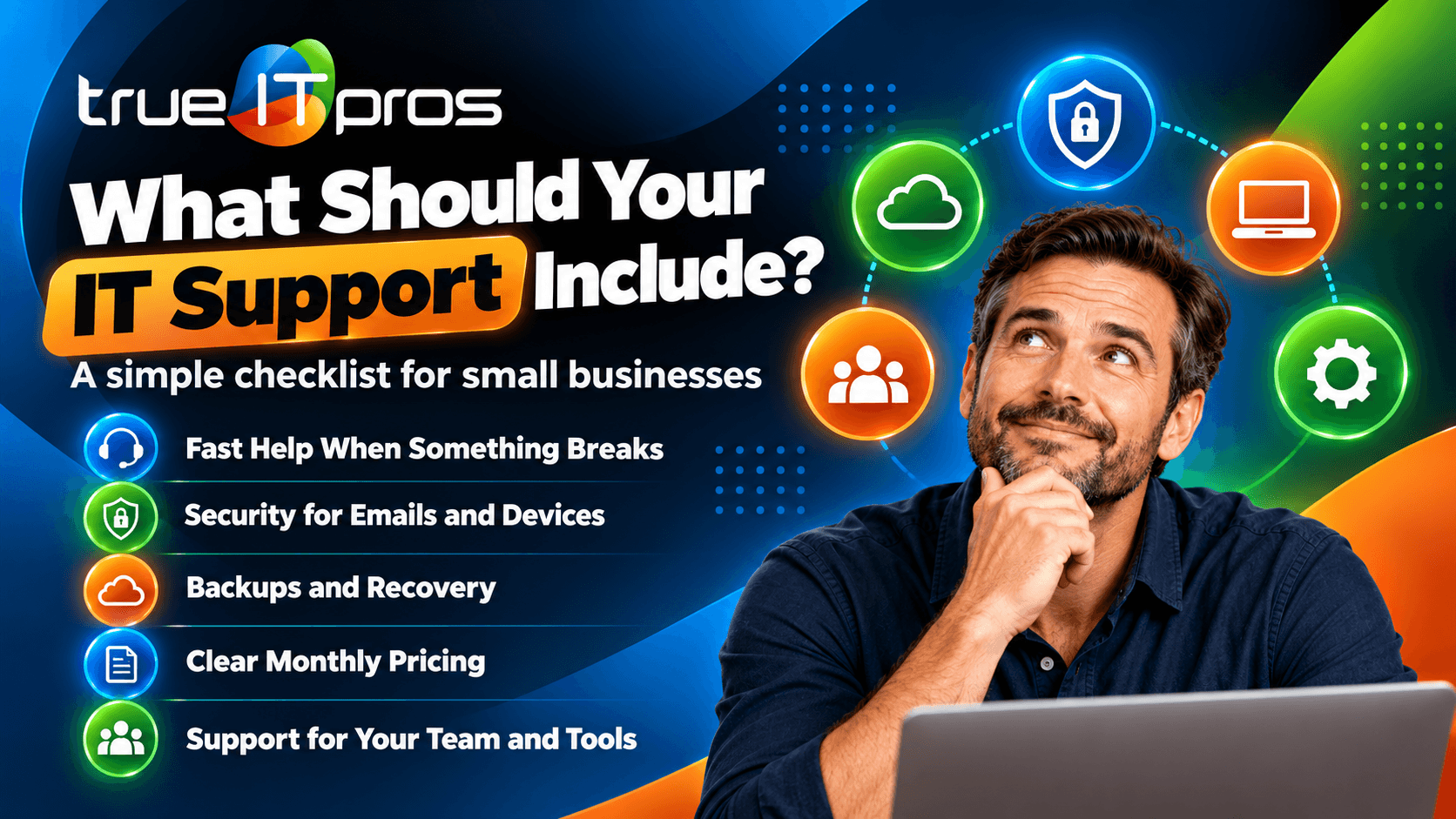
Managed IT Services Agreement: What Should Be Included?
A managed IT services agreement should clearly explain what your IT provider will manage, how quickly it will respond to problems, what security services are included, how much you will pay, and what happens if the business relationship ends.
For small businesses in Atlanta, Georgia, these details matter. A law firm needs reliable access to confidential client files. An accounting firm needs dependable systems during tax season. A construction company may need support for employees working across multiple job sites. Each business has different IT needs, but all need clear expectations from their technology provider.
Before signing an agreement with a managed service provider (MSP), business owners should understand the services, responsibilities, limitations, and costs involved. This guide explains the essential contract terms, common mistakes, and questions to ask before choosing an IT partner.
What Is a Managed IT Services Agreement?
A managed IT services agreement is a contract between a business and an IT service provider. It defines the technology services delivered, service levels, responsibilities, payment terms, security expectations, and conditions for ending the relationship.
Unlike a one-time IT repair agreement, a managed services contract supports an ongoing business relationship. The provider may monitor systems, maintain devices, resolve employee issues, manage cloud platforms, and help plan future technology needs.
A well-written agreement makes it easier to answer practical questions. Who handles a failed laptop? Are Microsoft 365 account changes included? What happens if the office network stops working? Does the provider support employees after normal business hours?
The agreement should answer these questions before a problem occurs, not after employees lose access to important systems.
What Are the Essential Parts of a Managed IT Services Agreement?
A complete managed IT services contract should cover the following areas. Each one helps your business understand what it is purchasing and what the IT provider is expected to deliver.
| Agreement Component | What It Should Explain | Why It Matters |
|---|---|---|
| Scope of Services | Included and excluded IT tasks | Prevents service gaps and unexpected charges |
| Service Level Agreement | Response targets, priorities, and escalation | Sets support expectations |
| Cybersecurity | Security controls and incident responsibilities | Clarifies how business systems are protected |
| Backup and Recovery | Backup ownership, testing, and recovery targets | Supports business continuity |
| Pricing and Billing | Recurring fees and additional charges | Improves budget planning |
| Contract and Exit Terms | Duration, cancellation, and transition support | Reduces disruption when changing providers |
1. Scope of Managed IT Services
The scope of services defines exactly which systems, devices, users, and tasks your MSP will support. It should also identify services that require separate approval or additional payment.
Depending on the provider and service plan, a managed IT agreement may include:
- Endpoint management: Monitoring and maintaining business computers and workstations.
- Software patching: Applying supported operating system and application security updates.
- Helpdesk support: Assisting employees with technical problems.
- Cloud administration: Managing Microsoft 365, Google Workspace, and supported cloud services.
- Network management: Supporting firewalls, switches, wireless networks, and other covered infrastructure.
- Security maintenance: Managing agreed antivirus, malware protection, and other security tools.
- Vendor coordination: Working with approved software, internet, and technology vendors.
- Technology planning: Reviewing equipment needs, lifecycle replacements, and IT priorities.
The agreement should identify supported locations and any limits on device counts, users, operating systems, or specialized applications.
For example, an Atlanta architecture firm may rely on CAD software, high-performance workstations, and large project files. Its agreement should explain whether the MSP supports the underlying computers and networks, coordinates with the CAD vendor, or provides application-specific assistance.
Common mistake: Assuming that every technology problem is included because the agreement uses the phrase “unlimited IT support.” Always check the exclusions and service boundaries.
2. Service Level Agreements and Response Times
A service level agreement (SLA) sets measurable expectations for how an IT provider handles support requests. It should explain response targets, business hours, ticket priorities, escalation procedures, and how service performance is measured.
One of the most important distinctions is the difference between response time and resolution time.
- Response time: How long the provider has to acknowledge or begin handling a support request under the agreed SLA.
- Resolution time: How long it takes to restore service or solve the problem. This may depend on hardware, vendors, and technical complexity.
- Escalation: The process for involving additional technicians or management when an issue remains unresolved.
For instance, trueITpros offers a helpdesk response SLA of 10 minutes as part of its service positioning. Businesses reviewing an agreement should confirm when that target applies, how response time is measured, and which support requests are covered.
A useful SLA should also explain how urgent issues are classified. A complete office internet outage may require a different escalation path from a request to install a printer.
3. IT Support Hours and Onsite Availability
The agreement should state when employees can request help, which communication channels are available, and whether onsite support is included.
Check whether the provider offers:
- Helpdesk support by phone, email, or web chat.
- Remote troubleshooting for covered users and devices.
- Onsite support for issues that cannot be resolved remotely.
- After-hours emergency assistance when included in the service plan.
- Monitoring outside normal office hours.
trueITpros lists support availability from 6 AM to 6 PM Eastern Time, Monday through Friday, with 24/7 availability when applicable. The exact coverage and emergency arrangements should be confirmed in the customer’s agreement.
Keep in mind that 24/7 infrastructure monitoring does not automatically mean employees receive 24/7 helpdesk assistance. These are different services and should be described separately.
4. Cybersecurity Responsibilities and Protections
A managed IT agreement should identify the security controls the provider manages and the security responsibilities that remain with the customer. It should also explain how suspected security incidents are reported and handled.
Depending on the plan, Cybersecurity services may include:
- Antivirus and malware protection.
- Security patch management.
- DNS and web filtering.
- Multi-factor authentication administration.
- Security alerts and incident escalation.
- User account and access management.
- Security policy support and employee guidance.
The agreement should clarify whether incident investigation, containment, recovery, forensic services, and breach notification assistance are included or separately billed.
For an Atlanta law firm, a compromised email account could expose sensitive communications or fraudulent payment instructions. Knowing who responds, who approves emergency actions, and who contacts outside specialists can reduce confusion during an incident.
For a practical reference, the NIST Cybersecurity Framework provides a recognized structure for identifying, protecting, detecting, responding to, and recovering from cybersecurity risks.
5. Data Backup and Business Continuity
Backup and recovery terms should explain which data is protected, how backups are managed, who checks them, and what happens when a restore is needed.
Do not assume that backups are included simply because a provider offers managed IT support.
The agreement should answer these questions:
- Which servers, cloud accounts, databases, and files are backed up?
- How frequently do backups run?
- Where are backup copies stored, and who can access them?
- How long is backup data retained?
- How often are restore procedures tested?
- Who is responsible for approving and performing a recovery?
- What recovery targets apply, if any?
Two terms are especially useful: Recovery Point Objective (RPO), which describes the target amount of data loss measured in time, and Recovery Time Objective (RTO), which describes the target time for restoring a system or service.
For example, an Atlanta accounting practice should know whether its backup plan can restore important client records and accounting systems within a timeframe that supports its deadlines. Recovery targets should be based on business needs and the capabilities actually included in the service.
6. Pricing, Monthly Fees, and Additional Charges
The pricing section should show what the business pays regularly, what is included in that fee, and which services cost extra.
Managed IT providers may use per-user, per-device, fixed monthly, or customized pricing models. The contract should specify the billing method rather than leaving it open to interpretation.
Important pricing details include:
- Monthly recurring service fees.
- Initial onboarding or setup charges.
- User and device additions or removals.
- Software licensing and third-party subscriptions.
- Hardware purchases and replacement costs.
- Project work outside the normal scope.
- After-hours or onsite support charges, if applicable.
- Payment deadlines and any rate adjustment terms.
trueITpros offers monthly payments, consolidated billing, and payment options that include credit card and ACH. Businesses should still review their specific proposal to understand included services and potential additional expenses.
Practical tip: Ask for a sample monthly invoice. It can help your finance team understand how recurring services, licenses, and additional work will appear on future bills.
7. Contract Length, Cancellation, and Exit Support
Contract terms should explain when the agreement begins, whether it renews, how either party may terminate it, and what happens during a provider transition.
Before signing, check the following:
- Is there a minimum contract period?
- Does the agreement renew automatically?
- How much written notice is required to cancel?
- Are there early termination fees?
- Who owns the business data, domain registrations, and administrative accounts?
- Will the provider help transfer documentation and access to a replacement MSP?
- When will monitoring tools, licenses, and remote access be removed?
trueITpros promotes a no-annual-contract approach. This can appeal to businesses that prefer flexibility, but the applicable notice, cancellation, and transition conditions should still be reviewed in writing.
An orderly exit process matters because changing providers can involve administrator credentials, firewall configurations, cloud tenants, software licenses, backup systems, and employee support arrangements.
8. Customer Responsibilities and Shared Accountability
A managed IT agreement should describe what the customer must do for the provider to deliver services effectively. Managed IT is a shared operational relationship, not a transfer of every technology responsibility.
Customer responsibilities may include:
- Providing approved access to covered systems and locations.
- Reporting technical issues promptly.
- Approving purchases, changes, and security policies.
- Maintaining required third-party subscriptions.
- Identifying authorized contacts for support and approvals.
- Informing the MSP when employees join or leave the company.
For example, an MSP can help disable access when an employee leaves. However, the business must have a process for notifying the provider promptly and confirming which accounts and devices are affected.
9. Confidentiality, Data Ownership, and Legal Protections
The agreement should explain how confidential information is handled, who controls business data, and what legal responsibilities each party accepts.
These terms are especially important for law practices, financial firms, insurance agencies, healthcare-related businesses, and organizations that handle sensitive records.
Important provisions to review include:
- Confidentiality and permitted use of customer information.
- Ownership and return of business data.
- Access by approved subcontractors and third parties.
- Security incident notification procedures.
- Liability limitations and applicable remedies.
- Insurance requirements, when appropriate.
- Dispute resolution and governing law.
- Industry-specific contractual requirements, when applicable.
Some businesses may need additional agreements or security terms based on the information they process and the laws or contractual obligations that apply to them. A managed services agreement alone does not establish regulatory compliance.
Because these provisions can affect legal rights and financial exposure, businesses should consider having qualified legal counsel review the agreement before signing.
10. Reporting, Documentation, and Technology Planning
A strong managed IT relationship should give business leaders visibility into their technology environment. The agreement should describe any included reporting, service reviews, and planning activities.
Useful reporting may cover:
- Support ticket activity and recurring issues.
- Device health and patching status.
- Security alerts and remediation priorities.
- Backup status and recovery testing.
- Hardware replacement planning.
- Technology budgets and upcoming projects.
Some providers also offer a Customer Success Manager or Virtual CIO (vCIO) to help leadership teams review technology decisions and align IT spending with business goals.
For a growing Atlanta real estate company, this might mean planning how new agents receive laptops, email accounts, access permissions, and secure remote connectivity as the business expands.
What Should Be Excluded or Separately Priced in an IT Agreement?
A managed IT agreement should clearly identify excluded services. An exclusion does not automatically make a contract unfavorable, but unclear exclusions can lead to unexpected expenses or delayed work.
Common items that may require separate pricing include:
- New office installations and relocations.
- Major server or cloud migrations.
- Computer, firewall, and network equipment purchases.
- Structured cabling and electrical work.
- Custom software development.
- Specialized compliance assessments or audits.
- Advanced incident response and forensic investigations.
- Support for unsupported or end-of-life systems.
The key is to require a clear process for approving out-of-scope work, including a written estimate when appropriate. This helps business owners maintain control over spending.
How Do Managed IT Agreements Compare With Break-Fix IT Support?
Managed IT agreements typically provide ongoing support and maintenance, while break-fix arrangements focus on resolving problems after they occur. The main difference is how support is organized and paid for.
| Feature | Managed IT Agreement | Break-Fix Support |
|---|---|---|
| Support Model | Ongoing services | Support requested as needed |
| Monitoring | Often included for covered systems | Usually not continuous |
| Maintenance | Scheduled and proactive | Often requested separately |
| Costs | Recurring service fees | Charges based on individual work |
| Service Expectations | Defined in the contract and SLA | Depend on the service arrangement |
| Technology Planning | May be part of the service | Usually a separate engagement |
For businesses with multiple employees, important cloud applications, and regular security needs, an ongoing managed IT relationship can provide a more structured approach to support and maintenance.
However, the value depends on the services actually included, the provider’s performance, and how well the agreement matches the business’s needs.
Managed IT Services Agreement Checklist for Atlanta Businesses
Use this checklist before approving a managed IT services agreement. If an item is missing, ask the provider to explain it and document the answer.
- Confirm covered assets: List supported employees, locations, devices, networks, and applications.
- Review the SLA: Verify response targets, support hours, ticket priorities, and escalation procedures.
- Identify security services: Check which protections, monitoring tools, and incident services are included.
- Verify backup coverage: Confirm protected data, testing, retention, and recovery responsibilities.
- Understand monthly costs: Review recurring fees, licensing, onboarding, and extra charges.
- Check exclusions: Identify projects and specialized services outside the agreement.
- Review contract flexibility: Understand cancellation notice, renewals, and termination fees.
- Protect business ownership: Confirm control of data, accounts, licenses, and administrative access.
- Define transition support: Document how systems and information will be handed over if the relationship ends.
- Ask about reviews: Confirm reporting, planning meetings, and any strategic IT advisory services.
What Are the Warning Signs of a Weak Managed IT Contract?
A weak agreement often uses broad promises without explaining how services will be delivered. This can create confusion when the business needs support most.
Watch for these warning signs:
- Vague service descriptions: The contract promises complete support without identifying covered systems or tasks.
- No measurable SLA: There is no clear response target or escalation process.
- Unclear security ownership: The provider and customer have not defined their responsibilities.
- Hidden service limits: Important exclusions are missing or difficult to understand.
- Unclear billing rules: Additional fees and rate changes are not explained.
- Poor exit provisions: There is no documented process for transferring systems and administrative access.
For example, an Atlanta manufacturing company may depend on reliable office networking and access to operational applications. If its contract does not define which systems the MSP supports, an outage could lead to delays while multiple vendors determine who is responsible.
Clear responsibilities help avoid that situation.
How Can Atlanta Businesses Choose the Right Managed IT Agreement?
The right agreement should match your business operations, technology risks, support needs, and growth plans. Choosing an MSP should involve more than comparing monthly prices.
A small law practice may prioritize confidential data, Microsoft 365 administration, and rapid employee support. A nonprofit may need predictable monthly spending and dependable support for a small internal team. A transportation company may need help across several locations and support for operational connectivity.
Before choosing a provider, consider three practical questions:
- Does the agreement match how our employees work? Consider remote users, office locations, operating hours, and important applications.
- Does it address our biggest technology risks? Review security, downtime, backups, aging equipment, and support delays.
- Can the provider explain its responsibilities clearly? Ask for direct answers about services, response targets, pricing, and contract flexibility.
A provider that understands your operations should be able to explain how its services support your staff and where additional solutions may be necessary.
Frequently Asked Questions About Managed IT Services Agreements
What should be included in a managed IT services agreement?
A managed IT services agreement should include the scope of services, SLA response targets, support hours, cybersecurity responsibilities, backup terms, pricing, contract duration, cancellation conditions, confidentiality provisions, and exit procedures. It should clearly identify included and excluded services.
Is an SLA the same as a managed IT services agreement?
No. An SLA defines service performance expectations, such as response targets and escalation rules. A managed IT services agreement is broader and covers services, fees, responsibilities, legal terms, and the overall business relationship. The SLA may be included in the agreement or attached separately.
Do managed IT services require a long-term contract?
Not necessarily. Some providers require annual or multi-year commitments, while others offer more flexible arrangements. trueITpros promotes no annual contracts. Businesses should review notice requirements, cancellation terms, and any fees before signing.
Does a managed IT agreement automatically include cybersecurity and backups?
No. Cybersecurity tools, backup services, disaster recovery, and incident response may be included, optional, or separately priced. The agreement should specify the protections provided, covered systems, and responsibilities for recovery.
Can a small Atlanta business customize its managed IT agreement?
Often, yes. The level of customization depends on the provider. Businesses can ask for coverage that reflects their employees, locations, applications, security needs, and support hours. Any agreed changes should be documented in the final contract.
Get Clear Managed IT Support Terms With trueITpros
A managed IT services agreement should make technology support easier to understand, not more confusing. Clear service boundaries, realistic response targets, defined security responsibilities, transparent pricing, and practical exit terms help businesses make informed decisions.
For small and medium-sized businesses in Atlanta, trueITpros provides proactive IT services that can include endpoint management, software patching, network support, cloud administration, helpdesk assistance, infrastructure monitoring, and technology planning, depending on the selected services.
Whether you are reviewing your first managed IT agreement or considering a change from your current provider, start by identifying your business’s most important systems, support expectations, and security needs. A clear discussion about these requirements can help you choose a service arrangement that fits your operations.
To learn more about how trueITpros can help your business with managed IT services agreements, contact us.


